
Templates In Gmail
Templates In Gmail - Learn how to enable, create, send, and manage email templates in gmail with simple steps. You'll then need to enable templates. Discover how to use extensions like drag to share, personalize, and a… In this guide, i’ll show you how to set up gmail email templates! In the compose window, enter your. By following the steps outlined in this article, you can create a.
In gmail, you can create your own templates to save time on those emails you send often. In gmail, select a template, and then customize the template with logos, images, and more. Learn how to easily build your email templates in mail merge. Learn how to enable, create, send, and manage email templates in gmail with simple steps. Creating an email template in gmail is a straightforward process that can save you time and effort in the long run.
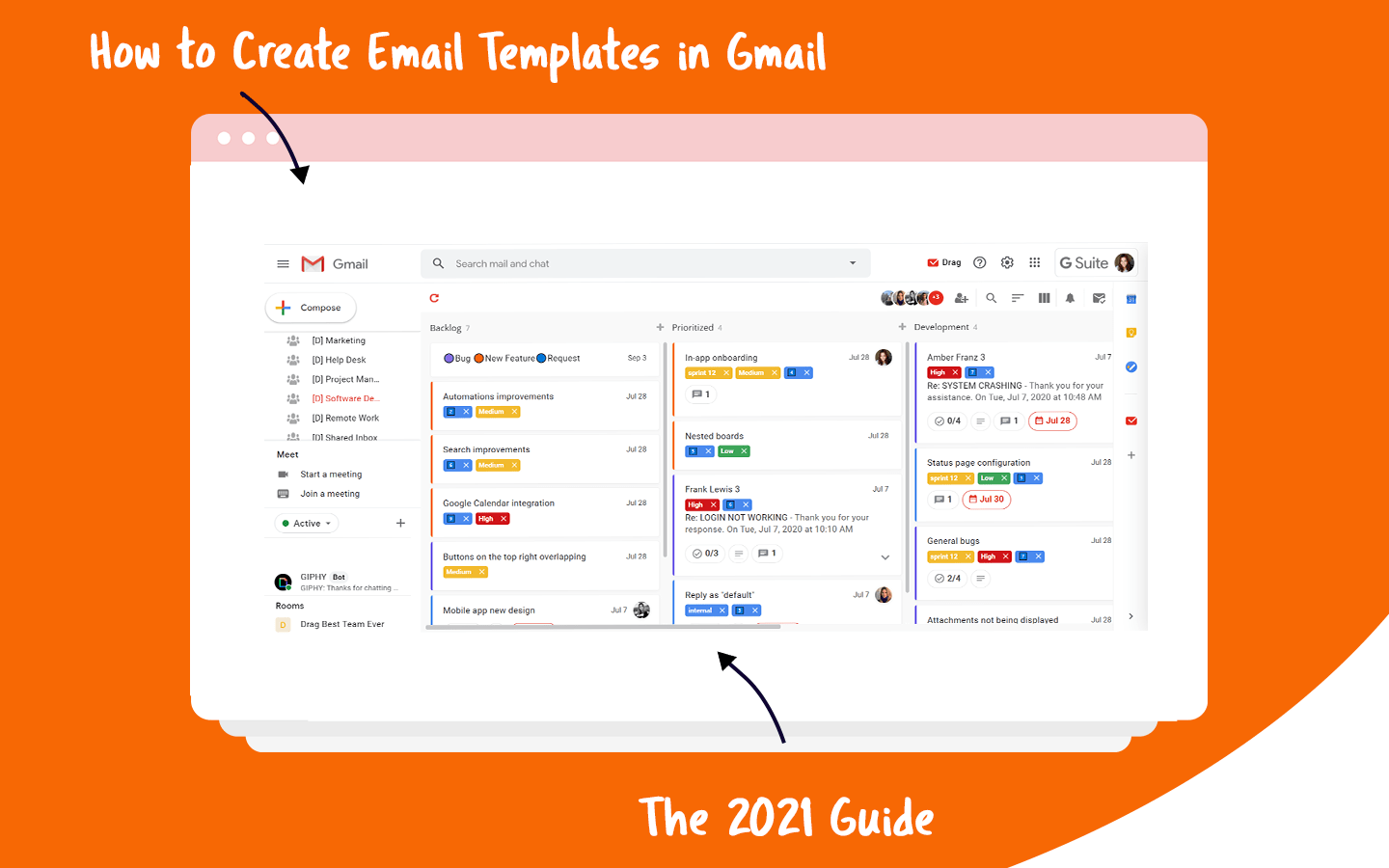
Free Email Templates For Gmail
Open your default web browser and point it to gmail.com. With that being said, here’s how to easily make and use email templates in gmail. Open gmail and enable templates. At the top left, click compose. Maybe you regularly send an update to your supervisor, request an update from.

How to Easily Create and Share Gmail Templates Gmelius
Learn how to enable, create, send, and manage email templates in gmail with simple steps. As businesses and individuals increasingly rely. What is a gmail email template? In this case, you need to set up google sheets and gmail credentials. Email templates allow you to create and reuse email bodies,.

Editing Templates In Gmail
Creating an email template in gmail is a straightforward process that can save you time and effort in the long run. By following the steps outlined in this article, you can create a. In the compose window, enter your. Discover how to use extensions like drag to share, personalize, and a… As businesses and individuals increasingly rely.

How to Create Gmail Templates for Sales Yesware
Use our gmail draft, visual editor, or html editor to create your email templates. In this guide, i’ll show you how to set up gmail email templates! By following the steps outlined in this article, you can create a. After you delete a template, you can’t recover it. Open gmail and enable templates.

Step 3 Email Templates for Gmail ContactMonkey
At the top left, click compose. What is a gmail email template? You'll then need to enable templates. Learn how to easily build your email templates in mail merge. Let's create our first template.
Templates In Gmail - Email templates allow you to create and reuse email bodies,. Open your default web browser and point it to gmail.com. Discover how to use extensions like drag to share, personalize, and a… In gmail, you can create your own templates to save time on those emails you send often. Creating an email template in gmail is a straightforward process that can save you time and effort in the long run. And in the end, you’ll find some examples that you can use today.
In gmail, you can create your own templates to save time on those emails you send often. Then, just swap out small details, like names and dates, as needed. In this guide, i’ll show you how to set up gmail email templates! By following the steps outlined in this article, you can create a. Use our gmail draft, visual editor, or html editor to create your email templates.
Open Gmail And Enable Templates
With that being said, here’s how to easily make and use email templates in gmail. In this guide, i’ll show you how to set up gmail email templates! Learn how to easily build your email templates in mail merge. To help you do that, i'll show you how to create email templates in gmail—and how to make the most of them with automation ideas and best practices.
When You Compose The Same Email Message
Email templates allow you to create and reuse email bodies,. Then, just swap out small details, like names and dates, as needed. On your computer, open gmail. Discover how to use extensions like drag to share, personalize, and a…
By Following The Steps Outlined In This Article, You
Maybe you regularly send an update to your supervisor, request an update from. In the compose window, enter your. In gmail, you can create your own templates to save time on those emails you send often. As businesses and individuals increasingly rely.
In This Case, You Need To Set Up Google
In gmail, select a template, and then customize the template with logos, images, and more. What is a gmail email template? Create or edit a template. And in the end, you’ll find some examples that you can use today.