
Email Templates In Gmail
Email Templates In Gmail - As businesses and individuals increasingly rely. Whether you’re a business professional, a student, or a personal user, having a template email can save you time and effort. You can tweak it as per your prospect’s interests or field of expertise. Response to a social media. Creating an email template in gmail is a straightforward process that can save you time and effort in the long run. Learn how to send encrypted emails in gmail with different encryption options.
Learn how to enable, create, send, and manage email templates in gmail with simple steps. In this article, we will guide you through the. Here are a few reasons why you should. With that being said, here’s how to easily make and use email templates in gmail. Use our gmail draft, visual editor, or html editor to create your email templates.

Gmail Templates
Get started with the world's first shared inbox designed for gmail and google workspace. Creating an email template in gmail is a straightforward process that can save you time and effort in the long run. With that being said, here’s how to easily make and use email templates in gmail. You can do this using gmail’s native template feature. Learn how to enable, create, send, and manage email templates in gmail with simple steps.

Gmail HTML Email Templates Letter Example Template
With that being said, here’s how to easily make and use email templates in gmail. Here are the simple steps how to create and edit email templates in gmail. Create a template in gmail if you have a message that includes information that doesn’t change frequently, you can save the message as a template in gmail and reuse it. And in the end, you’ll find some examples that you can use today.

Gmail Templates
There are several ways to create email templates in gmail. Learn how to send encrypted emails in gmail with different encryption options. Gmail address used for sending emails: Gmail app password for authentication: Use our gmail draft, visual editor, or html editor to create your email templates.

Step 3 Email Templates for Gmail ContactMonkey
Read on to learn how to create email templates in gmail. Create a template in gmail if you have a message that includes information that doesn’t change frequently, you can save the message as a template in gmail and reuse it. In this guide, you’ll learn how to create email templates in gmail and improve your mailing game. Opengmail and click on the gear icon for settings.
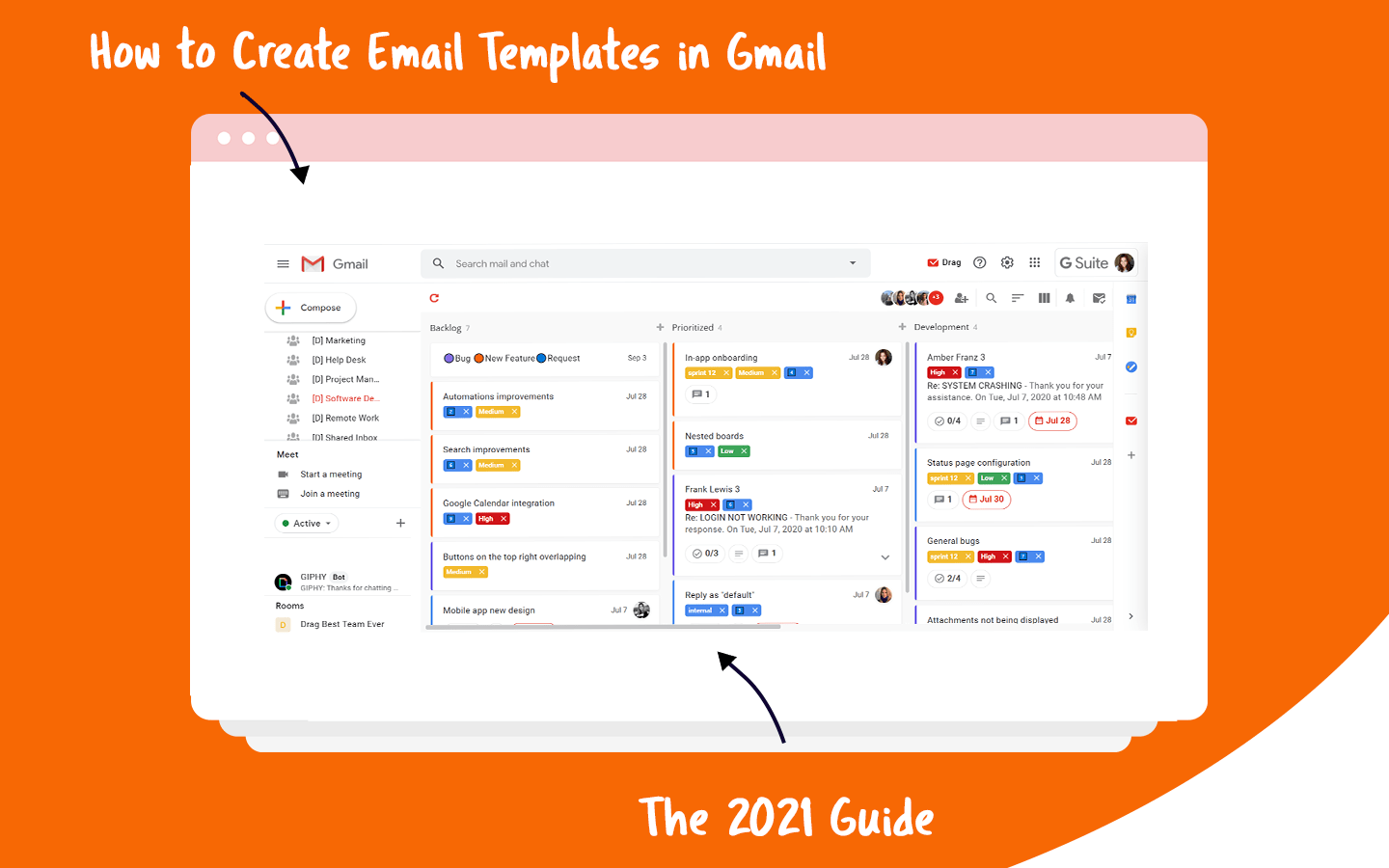
How to Create Email Templates in Gmail
Whether you’re a business professional, a student, or a personal user, having a template email can save you time and effort. Read on to learn how to create email templates in gmail. Creating an email template in gmail is a straightforward process that can save you time and effort in the long run. Learn how to easily build your email templates in mail merge.
Email Templates In Gmail - Here are a few reasons why you should. Find tips and tricks for making the most of your templates and avoiding common pitfalls. Use our gmail draft, visual editor, or html editor to create your email templates. Learn how to send encrypted emails in gmail with different encryption options. Learn how to easily build your email templates in mail merge. With that being said, here’s how to easily make and use email templates in gmail.
Here are a few reasons why you should. Use our gmail draft, visual editor, or html editor to create your email templates. Get started with the world's first shared inbox designed for gmail and google workspace. Create a template in gmail if you have a message that includes information that doesn’t change frequently, you can save the message as a template in gmail and reuse it. In this article, we will guide you through the.
Discover How To Use Extensions Like Drag To Share,
Learn how to easily build your email templates in mail merge. Here are the simple steps how to create and edit email templates in gmail. In this article, we will guide you through the process of creating. With that being said, here’s how to easily make and use email templates in gmail.
You Can Do This Using Gmail’s Native Template Feature
You can tweak it as per your prospect’s interests or field of expertise. There are several ways to create email templates in gmail. Learn how to enable, create, send, and manage email templates in gmail with simple steps. However, an even better way to create email templates in.
Creating An Email Template In Gmail
Gmail templates contain canned responses you can quickly insert into any email to fill out all the details you'd otherwise spend time writing with each new message. And in the end, you’ll find some examples that you can use today. Get started with the world's first shared inbox designed for gmail and google workspace. Learn how to send encrypted emails in gmail with different encryption options.
Opengmail And Click On The Gear Icon For Settings
Creating email templates in gmail can save you significant time and effort, especially if you often send similar messages. Response to a social media. In the above cold email template, we mentioned the blogging activity. Read on to learn how to create email templates in gmail.