
Gmail Email Template
Gmail Email Template - At the bottom of the compose window, click more options templates. Zo verwijder je een template: An email signature is text, like your contact information or a favorite quote, that’s automatically added at the end of gmail messages as a footer. At the top, click file share file or file send files or attach to an email. In gmail, to edit in full screen, click open in new. After multiple refreshes and restarts of the browser, the template is still in my list regardless of having deleted all the drafts i have.
Enter your email address and click ok. Pour créer un modèle, cliquez sur enregistrer en tant que modèle enregistrer nouveau modèle. At the top left, click compose. In drive, you can open and edit an email layout in full screen by double clicking the saved email layout. Open gmail op je computer.

Gmail Template Free Download
Dans la fenêtre de rédaction, saisissez le texte de votre modèle. At the top, click file share file or file send files or attach to an email. In the compose window, enter your template text. Add or change a signature you can put up to 10,000 characters in your signature. Click select option add gmail.

Create Template Email In Gmail
Use the email layout editor to insert, resize, and rearrange text boxes, buttons, images, and. At the top left, click compose. At the bottom of the compose window, click more options templates. (optional) to use gmail as your default webmail account for acrobat, check the remember my choice box if prompted. Kies de template die je wilt verwijderen.
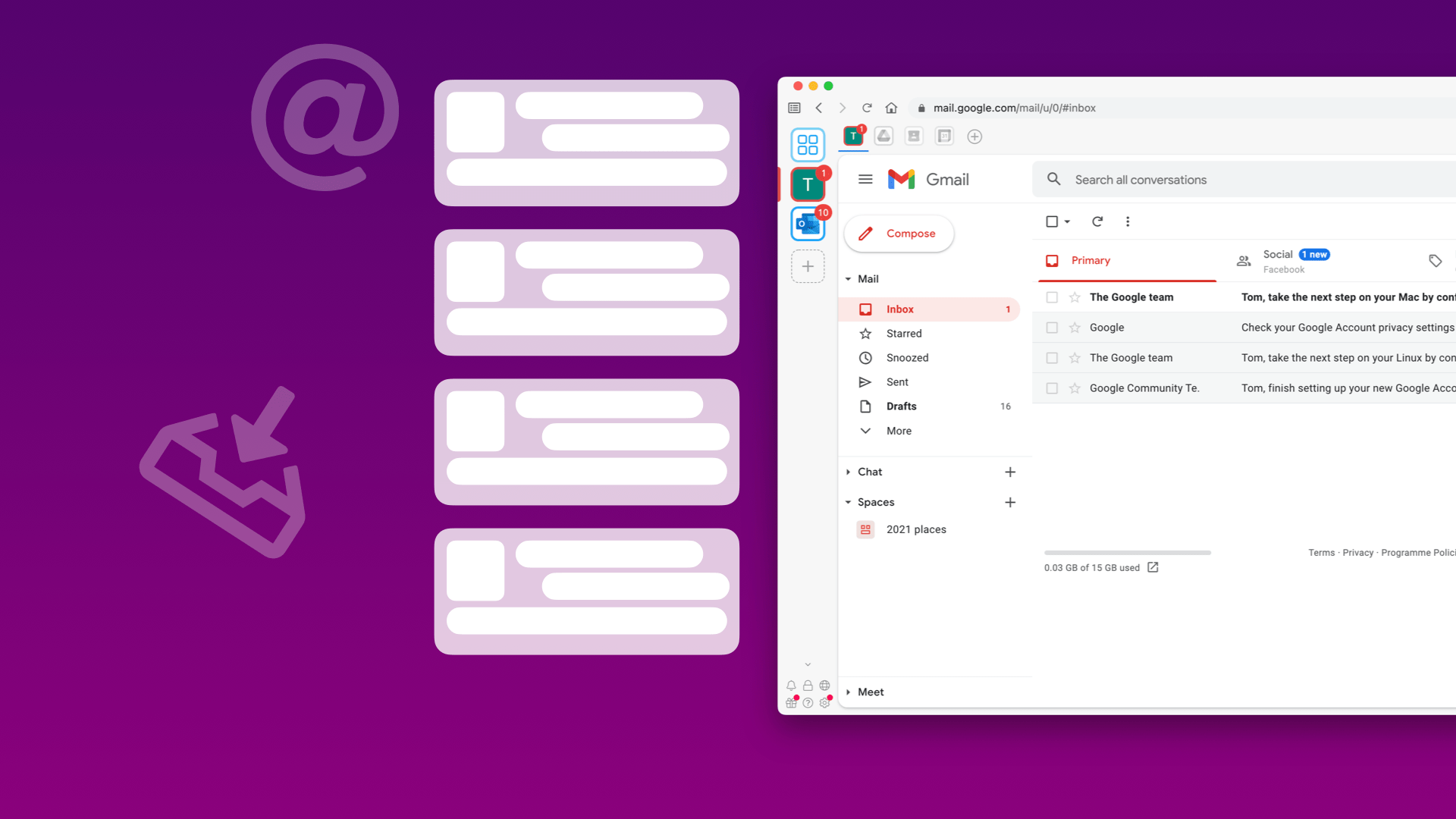
How to Create an Email Template in Gmail
Kies een template onder template invoegen. En la esquina superior izquierda, haz clic en redactar (compose). In the compose window, enter your template text. En la parte inferior de la ventana de redacción, haz clic en más opciones plantillas. Pour créer un modèle, cliquez sur enregistrer en tant que modèle enregistrer nouveau modèle.

A Simple, smarter Gmail email template Templatius Email templates
In gmail, to edit in full screen, open an email layout click open in new. Open gmail op je computer. En la ventana de redacción, ingresa el texto de tu plantilla. At the bottom of the compose window, click more options templates. Go to compose and compose the email you want to save, select the three dots bottom left corner and go to templates, save draft as a template and you are done!

Gmail Html Template
At the bottom of the compose window, click more options templates. Stel de rest van je bericht op. Click attach to email or send as attachment. At the top, click file share file or file send files or attach to an email. Zo verwijder je een template:
Gmail Email Template - I cannot repeat this manually. En la parte inferior de la ventana de redacción, haz clic en más opciones plantillas. Klik onderaan het opstelvenster op meer opties templates. Use the email layout editor to insert, resize, and rearrange text boxes, buttons, images, and. En bas de la fenêtre de rédaction, cliquez sur plus d'options modèles. In gmail, to edit in full screen, click open in new.
Pour créer un modèle, cliquez sur enregistrer en tant que modèle enregistrer nouveau modèle. On your computer, open gmail. (optional) to use gmail as your default webmail account for acrobat, check the remember my choice box if prompted. En haut à gauche, cliquez sur nouveau message. At the top left, click compose.
Email Layouts In The “My Layouts” Tab Are Saved
At the bottom of the compose window, click more options templates. Click save draft as template. Click attach to email or send as attachment. Click select option add gmail.
I Cannot Repeat This Manually
En la ventana de redacción, ingresa el texto de tu plantilla. At the top left, click compose. En la esquina superior izquierda, haz clic en redactar (compose). (optional) to use gmail as your default webmail account for acrobat, check the remember my choice box if prompted.
Pour Créer Un Modèle, Cliquez Sur Enregistrer En Tant
In gmail, to edit in full screen, open an email layout click open in new. I made a template, saved it, went to my drafts and found the draft email that made the template and deleted it. Enter your email address and click ok. Klik onderaan het opstelvenster op meer opties templates.
On Your Computer, Open Gmail
To change a previously saved template: Click save draft as template save as new template. En la parte inferior de la ventana de redacción, haz clic en más opciones plantillas. En bas de la fenêtre de rédaction, cliquez sur plus d'options modèles.