
How To Make Email Templates In Gmail
How To Make Email Templates In Gmail - In this article, we will guide you through the process of creating a template email in gmail. Go to the gmail signup pageopen your web browser (e.g., google. Also, discover how to use drag extension for more features such as e… Learn the entire process here for improved efficiency and easier email. Gmail templates contain canned responses you can quickly insert into any email to fill out all the details you'd otherwise spend time writing with each new message. Learn how to enable, create, send, and manage email templates in gmail with simple steps.
Learn the entire process here for improved efficiency and easier email. This comprehensive guide teaches you how to create, use, and share email templates for maximum productivity. With that being said, here’s how to easily make and use email templates in gmail. Create your mail merge template in word. In the settings window, click on the general tab..

Gmail Templates
Install shared email templates for gmail from the chrome web store. Also, discover how to use drag extension for more features such as e… In word, a template serves as the mail merge foundation where you insert placeholders for the personalized data fields. Click on the settings button in the top right corner of the screen.. Open gmail on your computer in any browser.

How To Make Gmail Email Templates
Create a template in gmail if you have a message that includes information that doesn’t change frequently, you can save the message as a template in gmail and reuse it. In word, a template serves as the mail merge foundation where you insert placeholders for the personalized data fields. In this article, we will guide you through the process of creating a template email in gmail.

Gmail Templates
Learn how to enable, create, send, and manage email templates in gmail with simple steps. With that being said, here’s how to easily make and use email templates in gmail. By maintaining consistent messaging, tone, and visual elements. Open gmail and click on the compose button to start a new email. Also, discover how to use drag extension for more features such as e….
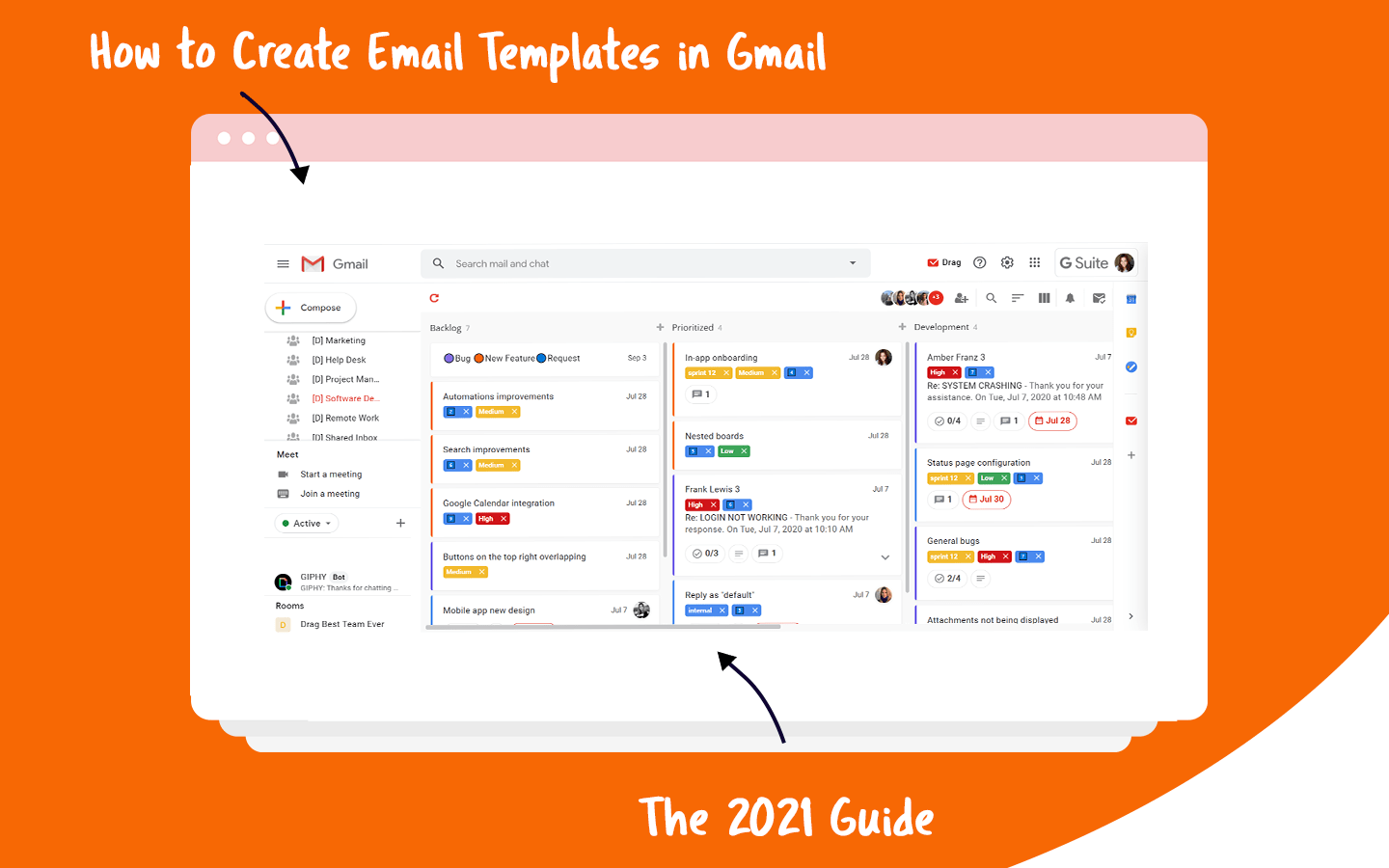
How to Create Email Templates in Gmail
In this article, we will guide you through the process of creating a template email in gmail. Install shared email templates for gmail from the chrome web store. Learn the entire process here for improved efficiency and easier email. To start creating a template email, you need to create a. Useful for creating and sending marketing emails or.

How To Make Email Templates In Gmail
Learn the entire process here for improved efficiency and easier email. With that being said, here’s how to easily make and use email templates in gmail. Open gmail on your computer in any browser. In this article, we will guide you through the process of creating a template email in gmail. Also, discover how to use drag extension for more features such as e….
How To Make Email Templates In Gmail - In word, a template serves as the mail merge foundation where you insert placeholders for the personalized data fields. In this article, we will guide you through the process of creating a template email in gmail. Follow these easy steps to set up a new gmail account and start using google's email service.step 1: By maintaining consistent messaging, tone, and visual elements. Also, discover how to use drag extension for more features such as e… At the bottom of the.
In word, a template serves as the mail merge foundation where you insert placeholders for the personalized data fields. Fortunately, gmail offers a feature that makes it easy to create and save templates for your emails. This comprehensive guide teaches you how to create, use, and share email templates for maximum productivity. This will bring up the familiar email drafting window. Go to the gmail signup pageopen your web browser (e.g., google.
Email Templates In Gmail
In the settings window, click on the general tab.. Launch gmail and access the template creation feature. Useful for creating and sending marketing emails or. Click on the general tab:
This Comprehensive Guide Teaches You How To Create, Use,
Gmail templates contain canned responses you can quickly insert into any email to fill out all the details you'd otherwise spend time writing with each new message. Learn the entire process here for improved efficiency and easier email. Click on the settings button in the top right corner of the screen.. Create your mail merge template in word.
Creating A Template
Go to the gmail signup pageopen your web browser (e.g., google. Also, discover how to use drag extension for more features such as e… Open gmail on your computer in any browser. Creating an email template in gmail is a straightforward process that can save you time and effort in the long run.
Whether You’re A Gmail Novice Or A Power User,
In word, a template serves as the mail merge foundation where you insert placeholders for the personalized data fields. An email marketing platform that offers a free tier with basic features, including customizable email templates. With that being said, here’s how to easily make and use email templates in gmail. Follow these easy steps to set up a new gmail account and start using google's email service.step 1: