
How To Add Templates To Gmail
How To Add Templates To Gmail - Following are the methods of adding a signature in gmail: How to create a new. How to create email templates in gmail. Head over to gmail web and go to settings > advanced > enable templates. What is a gmail email template? Luckily, you can create such email templates in gmail without needing to install any extensions.
In this article, we will guide you through the process of creating. Here’s a guide to help you get set up and start using them. Use our gmail draft, visual editor, or html editor to create your email templates. What is a gmail email template? On your computer, open gmail.

Email Templates For Gmail Printable Word Searches
Your google sheet is on its way. Use our gmail draft, visual editor, or html editor to create your email templates. You can also set up filters to. Why use gmail email templates? Learn the entire process here for improved efficiency and easier email.

Editing Templates In Gmail
The native templates feature is pretty robust, allowing you to manage multiple. You can add attachments to your template by clicking on the attachments field and selecting the files you want to add. Learn how to easily build your email templates in mail merge. As businesses and individuals increasingly rely. Luckily, you can create such email templates in gmail without needing to install any extensions.
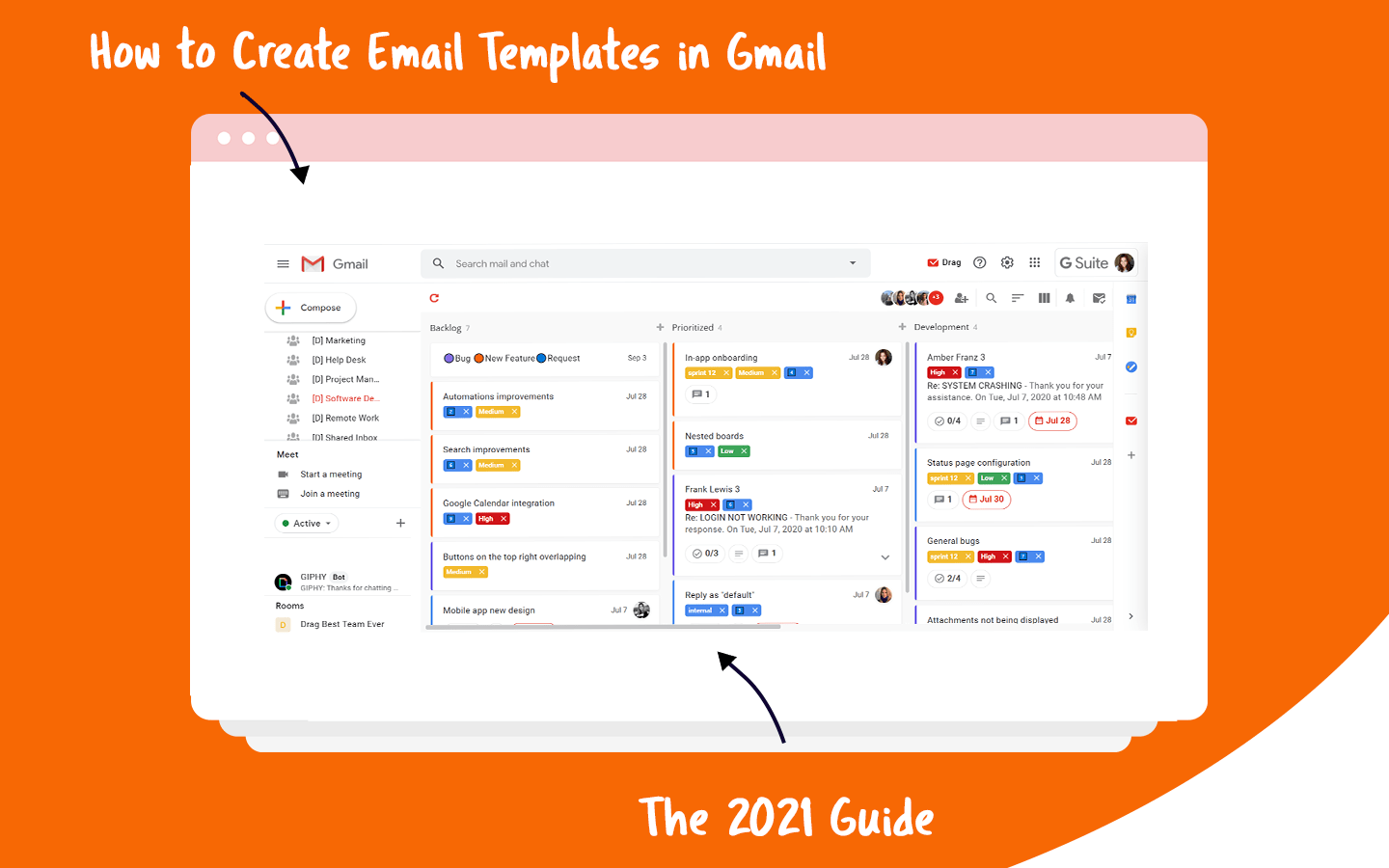
How to Create Email Templates in Gmail
Enter the email addresses of the recipients, add a subject and message, and hit send. and voila! Why use gmail email templates? Your google sheet is on its way. How to create email templates in gmail. You have to first enable gmail templates, however, before you can use them.

Free Gmail Templates Master of Documents
Opengmail and click on the gear icon for settings. All you have to do is customize and adjust the copy. Here are the simple steps how to create and edit email templates in gmail. Following are the methods of adding a signature in gmail: Use our gmail draft, visual editor, or html editor to create your email templates.

Edit Gmail Templates
Learn the entire process here for improved efficiency and easier email. How to create email templates in gmail. Use our gmail draft, visual editor, or html editor to create your email templates. The native templates feature is pretty robust, allowing you to manage multiple. After you delete a template, you can’t recover it.
How To Add Templates To Gmail - All you have to do is customize and adjust the copy. Learn the entire process here for improved efficiency and easier email. In the compose window, enter your. If you have not done so already, you need to enable templates in the settings on your gmail account. Create or edit a template. What is a gmail email template?
What is a gmail email template? Opengmail and click on the gear icon for settings. Your google sheet is on its way. Creating an email template in gmail is a straightforward process that can save you time and effort in the long run. How to add a signature in.
How To Create A New
How to add a signature in. You can also set up filters to. Opengmail and click on the gear icon for settings. What is a gmail email template?
Creating An Email Template In Gmail
You can add attachments to your template by clicking on the attachments field and selecting the files you want to add. You have to first enable gmail templates, however, before you can use them. In this case, you need to set up google sheets and gmail credentials. In this article, we will guide you through the process of creating.
Gmail Email Templates
Here’s what’s included in our guide. How to create email templates in gmail. On your computer, open gmail. Learn the entire process here for improved efficiency and easier email.
Head Over To Gmail Web And Go To Settings
If you have not done so already, you need to enable templates in the settings on your gmail account. That’s the basics, we now have some features for businesses and those that use. Luckily, you can create such email templates in gmail without needing to install any extensions. Your google sheet is on its way.