
Office 360 Word Template
Office 360 Word Template - To prevent word 2013/word 365 from opening documents in reading mode, do the following: We specialize in creating templates using microsoft office. You open a new document, apply any required changes and then save it as a word template (dotx) file, rather than a docx microsoft page on creating word template files:. In office 2007, i was able to set up common templates for outlook and word using the change styles button on the format tab. Go to the mailings tab in the top menu. Search thousands of customizable microsoft templates to jump start your work, school, and family projects.
Hr department and contact information sign template. If you use word processing, spreadsheet, presentation, and email applications,. Choose a presentation template and customize it with your. Instead when you open an office program, you’ll see the templates provided by microsoft 365. For decades, microsoft office has been the business world’s dominant productivity software suite.

Articulate Storyline 360 Template — Educraft
Instead when you open an office program, you’ll see the templates provided by microsoft 365. Get instant access to 50,000+ ms. Unfortunately, i do have the exact. Explore presentation templates for pitch decks, annual reviews, and conference slides, and get ready to wow your audience. Go to the mailings tab in the top menu.
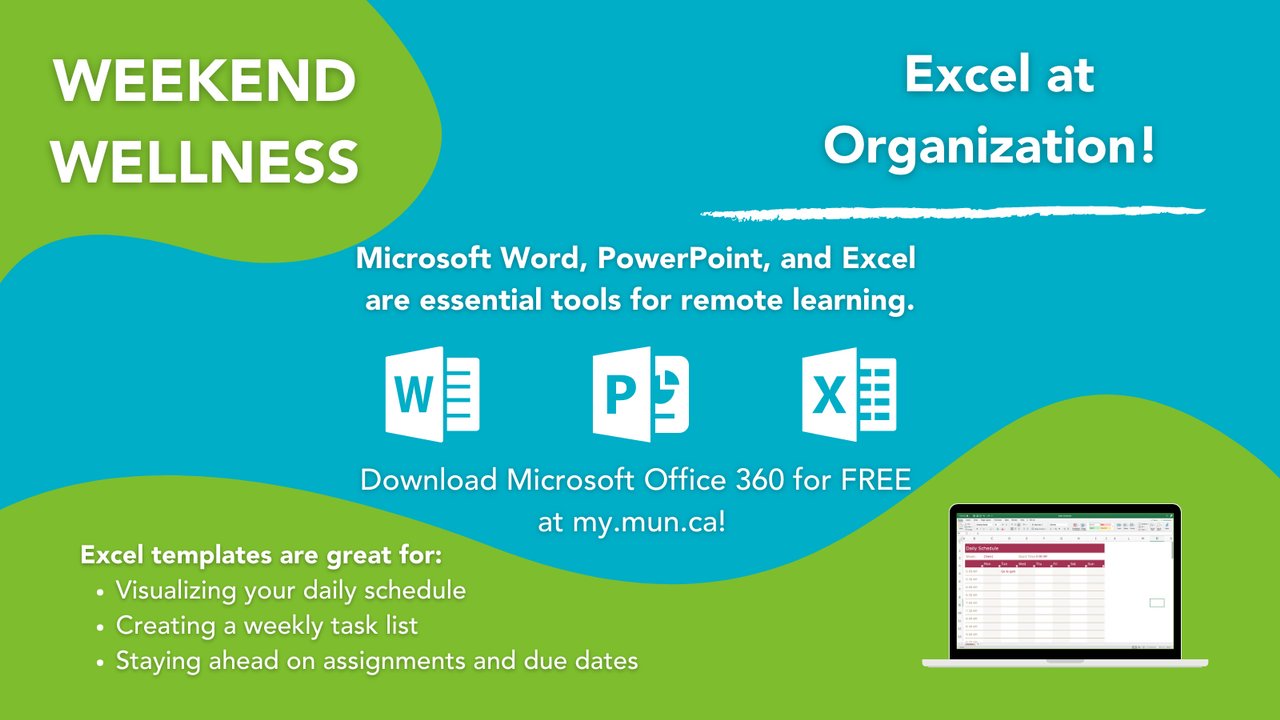
Introducir 52+ imagen word office 360 Abzlocal.mx
You open a new document, apply any required changes and then save it as a word template (dotx) file, rather than a docx microsoft page on creating word template files:. Unfortunately, i do have the exact. Start by opening a new document in word office 365. Choose a presentation template and customize it with your. On the general tab, clear the check mark next to open.

Microsoft word determine template used lmkaflip
Click file tab | options. Start by opening a new document in word office 365. Using ms word templates can significantly streamline your document creation process. In office 2007, i was able to set up common templates for outlook and word using the change styles button on the format tab. Whether you're a high school student, actor, or seeking a career in nursing, you can find any format for any job.

Introducir 52+ imagen word office 360 Abzlocal.mx
To prevent word 2013/word 365 from opening documents in reading mode, do the following: Hr department and contact information sign template. Explore presentation templates for pitch decks, annual reviews, and conference slides, and get ready to wow your audience. Click file tab | options. Conference room name sign template.

Beautiful Word Template in Word Download
Search thousands of customizable microsoft templates to jump start your work, school, and family projects. Download templates for a wide range of document types, such as meeting. Click file tab | options. Start by opening a new document in word office 365. Use our free tools and customizable templates to craft presentations, videos, graphics, social media designs, and much more—no design expertise required.
Office 360 Word Template - To prevent word 2013/word 365 from opening documents in reading mode, do the following: If you want to see your custom templates on the personal tab when you start an microsoft 365. Start by opening a new document in word office 365. Instead when you open an office program, you’ll see the templates provided by microsoft 365. Get instant access to 50,000+ ms. Use our free tools and customizable templates to craft presentations, videos, graphics, social media designs, and much more—no design expertise required.
Start by opening a new document in word office 365. Choose a presentation template and customize it with your. Instead when you open an office program, you’ll see the templates provided by microsoft 365. Unfortunately, i do have the exact. Using ms word templates can significantly streamline your document creation process.
You Can Open Them Using The Word
If you want to see your custom templates on the personal tab when you start an microsoft 365. Conference room name sign template. Download templates for a wide range of document types, such as meeting. You open a new document, apply any required changes and then save it as a word template (dotx) file, rather than a docx microsoft page on creating word template files:.
Office Sign Templates In Word
Save documents, spreadsheets, and presentations online, in onedrive. Whether you’re working on a resume, newsletter, or report, there’s a template for. Instead when you open an office program, you’ll see the templates provided by microsoft 365. To prevent word 2013/word 365 from opening documents in reading mode, do the following:
Get Instant Access To 50,000+ Ms
Search thousands of customizable microsoft templates to jump start your work, school, and family projects. Use our free tools and customizable templates to craft presentations, videos, graphics, social media designs, and much more—no design expertise required. Whether you're a high school student, actor, or seeking a career in nursing, you can find any format for any job. Go to the mailings tab in the top menu.
On The General Tab, Clear The Check Mark Next
In office 2007, i was able to set up common templates for outlook and word using the change styles button on the format tab. Collaborate for free with online versions of microsoft word, powerpoint, excel, and onenote. If you use word processing, spreadsheet, presentation, and email applications,. Click file tab | options.