
Obsidian Templater Header Example
Obsidian Templater Header Example - Here’s a list of commands to experiment with. I havent found any information about this however, and hope i. Snippets i’ve written for the templater obsidian plugin. One of my favorite obsidian plugins is templater, which lets you create reusable templates in your notes vault! You can create templates just like any other note in obsidian, except that as well as the usual markdown content, you can also specify more dynamic elements using templater’s syntax (based on eta). Like, you type <% tp.file.last_modified_date() %> , then press alt/opt+r and you’ll get the file’s last modified date and time.
It will also let you execute javascript code manipulating those variables and functions. You can create templates just like any other note in obsidian, except that as well as the usual markdown content, you can also specify more dynamic elements using templater’s syntax (based on eta). Here’s how you can create an internal link in a template that will create a new file only if it doesn’t already exist. All of these templater scripts are collected from templater’s discussion,. So for instance something like “{header1}” being the text of the first header of the file, “{header2}” being the second text, etc.

16 Obsidian Templates For Zettelkasten To Start With Knowledge
Bergs example there are things to keep in mind when using templater and dataview. @silentvoid13 feel free to add this video to your gh readme. So for instance something like “{header1}” being the text of the first header of the file, “{header2}” being the second text, etc. One of my favorite obsidian plugins is templater, which lets you create reusable templates in your notes vault!

Obsidian Template Gallery
Those can be rather complex but they do interesting things. Getting started with the templater obsidian plugin? Bergs example there are things to keep in mind when using templater and dataview. With plugins such as dataview, templater (some examples), periodic notes, and more, obsidian’s possibilities have expanded a thousandfold! Basing my initial design on mr.

Theme obsidianandygruv Share & showcase Obsidian Forum
Like, you type <% tp.file.last_modified_date() %> , then press alt/opt+r and you’ll get the file’s last modified date and time. So for instance something like “{header1}” being the text of the first header of the file, “{header2}” being the second text, etc. With plugins such as dataview, templater (some examples), periodic notes, and more, obsidian’s possibilities have expanded a thousandfold!
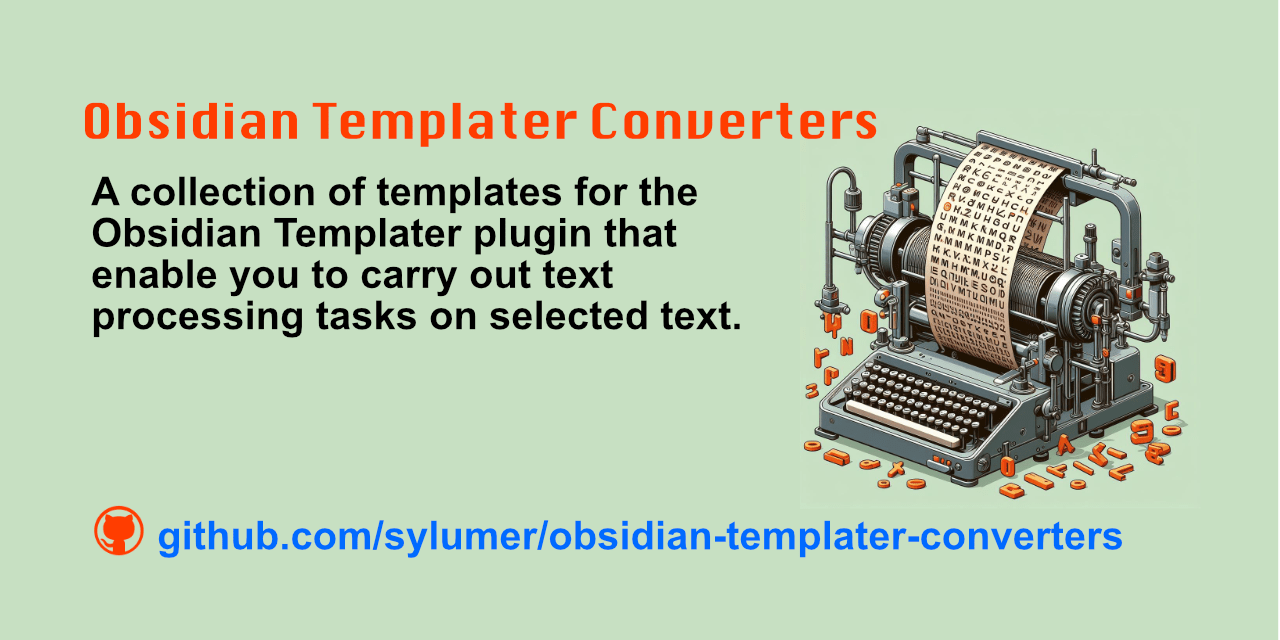
GitHub sylumer/obsidiantemplaterconverters Obsidian Templater
I havent found any information about this however, and hope i. A text snippet that starts with an. It replaces templater code within the currently open file, so you don’t have to load an external template. It looks unformatted and for example the participants and tags are not removable bubbles anymore. In order to bring together the great minds of this community, let’s share our note templates and metadata templates.

TEMPLATE My Premium Obsidian Daily Note Template
The showcase link has several pages of templater examples that used javascript. I havent found any information about this however, and hope i. The developer also lists an alternative plugin such as obsidian temple. It looks unformatted and for example the participants and tags are not removable bubbles anymore. In order to bring together the great minds of this community, let’s share our note templates and metadata templates.
Obsidian Templater Header Example - This script will create a file if the file doesn’t already exist. If you haven’t set up obsidian yet, read this. All of these templater scripts are collected from templater’s discussion,. Obsidian on desktop or phone/tablet. This guide aims to provide you with the necessary knowledge to become a templater power user, covering installation, key concepts, and practical examples. A text snippet that starts with an.
With plugins such as dataview, templater (some examples), periodic notes, and more, obsidian’s possibilities have expanded a thousandfold! # heading ## subheading {{tp_heading}} Like, you type <% tp.file.last_modified_date() %> , then press alt/opt+r and you’ll get the file’s last modified date and time. On the weekend i don't need the agenda header so i check the day of the week. Here’s how you can create an internal link in a template that will create a new file only if it doesn’t already exist.
Here’s A List Of Commands To Experiment With
All of these templater scripts are collected from templater’s discussion,. # heading ## subheading {{tp_heading}} Basing my initial design on mr. This guide aims to provide you with the necessary knowledge to become a templater power user, covering installation, key concepts, and practical examples.
Template Language
It looks unformatted and for example the participants and tags are not removable bubbles anymore. On the weekend i don't need the agenda header so i check the day of the week. Learn what templates are and how you can use them with lots of great obsidian template examples. If you haven’t set up obsidian yet, read this.
If (Today Is Friday) { ‘Show This’ } Else
Here’s how you can create an internal link in a template that will create a new file only if it doesn’t already exist. It will also let you execute javascript code manipulating those variables and functions. Getting started with the templater obsidian plugin? @silentvoid13 feel free to add this video to your gh readme.
Your Post Sounds Like You Want To Embed
This script will create a file if the file doesn’t already exist. Replace templates in the active file” in the command menu), then templater replaces ‘<% tp.file.title %>’ with the actual title of the note. Bergs example there are things to keep in mind when using templater and dataview. With plugins such as dataview, templater (some examples), periodic notes, and more, obsidian’s possibilities have expanded a thousandfold!