
Inventory Upload Template Shiphero
Inventory Upload Template Shiphero - Click download inventory template to download the blank csv template in the pop. Synchronizing inventory between multiple client dashboards (distributors and. Shiphero + inventory planner = success! Follow the directions on the screen to make changes and. Using spreadsheet software such as microsoft excel or google sheets, complete the order template and save the csv file. The focus is on using the inventory upload.
The objective of this tutorial is to guide users through the process of uploading inventory into the shiphero software efficiently. As a shiphero client, here’s what the inventory. You can run a stock take across your inventory and then upload in bulk via a csv. Click “upload csv” to download shiphero’s inventory template. In this section, we will explore some examples of how you can use the inventory sync feature to sync inventory using a csv file.

Inventory Planner Integration ShipHero
To set up the above workflow, i need clear instructions on how to configure shiphero for: Click “upload csv” to download shiphero’s inventory template. Using the top menu, go to inventory > inventory upload. There are shiphero order examples listed in the csv order template to aid in entering in your order information. To access this feature, go to shipping.shiphero.com and navigate to orders > upload csv.

Inventory Management Software ShipHero
Big call out / orders with multiple skus need to have 1 row per sku. Synchronizing inventory between multiple client dashboards (distributors and. In this section, we will explore some examples of how you can use the inventory sync feature to sync inventory using a csv file. In this video, yosef and john introduce shiphero's new and improved csv order upload feature.
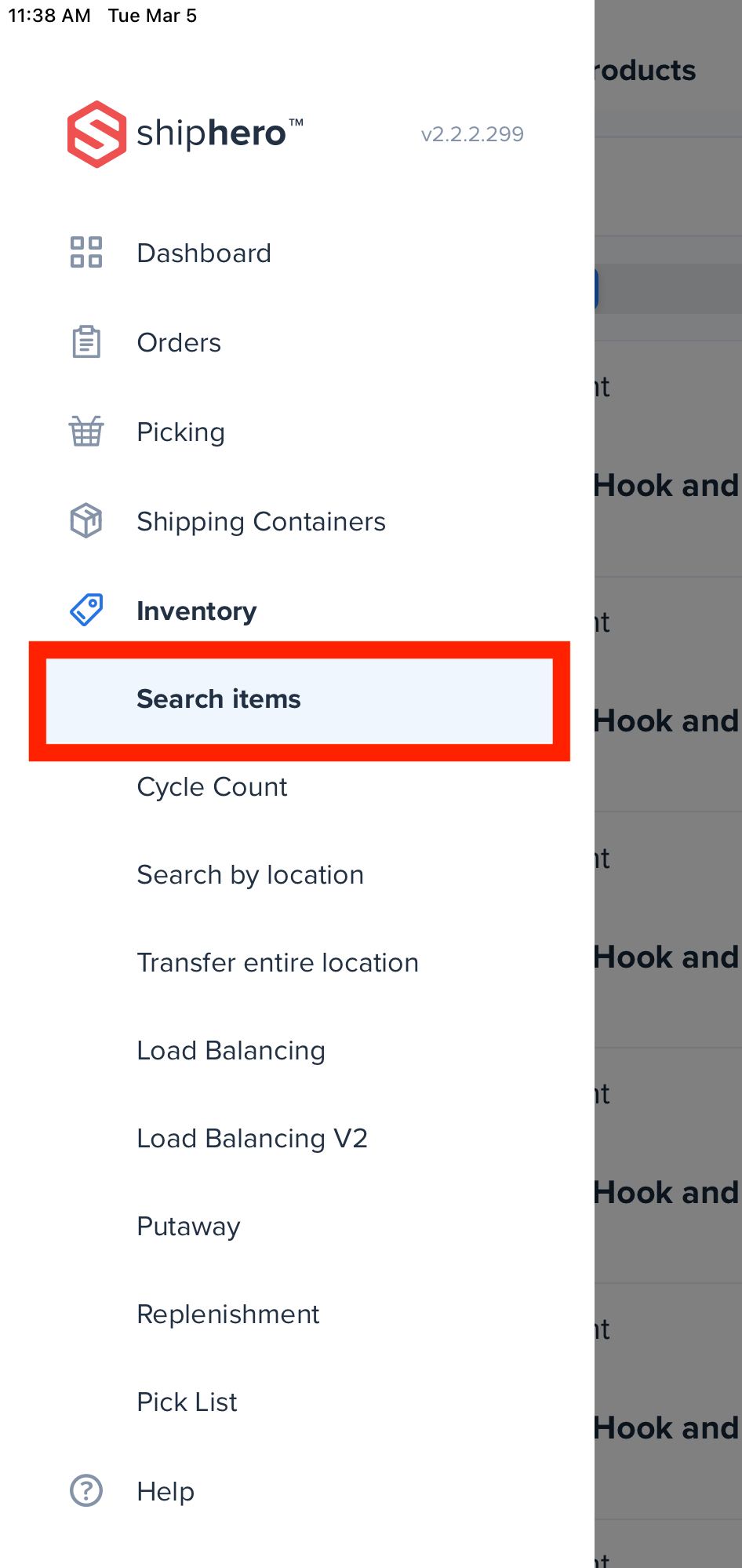
How to Transfer Inventory with ShipHero Mobile ShipHero
As a shiphero client, here’s what the inventory. Click “upload csv” to download shiphero’s inventory template. When removing or adding inventory for a specific sku on a location, you can use both inventory_add and inventory_remove mutations. Change inventory for multiple products using inventory upload. They both work similar, for example:

Inventory Planner Integration ShipHero
When removing or adding inventory for a specific sku on a location, you can use both inventory_add and inventory_remove mutations. To populate this value please configure your shipping methods for the supplier to include carrier and. Follow the directions on the screen to make changes and. Click “upload csv” to download shiphero’s inventory template. Big call out / orders with multiple skus need to have 1 row per sku.

ShipHero Software Reviews, Demo & Pricing 2023
Shiphero + inventory planner = success! Click download inventory template to download the blank csv template in the pop. Follow the directions on the screen to make changes and. If you want to update inventory,. You can run a stock take across your inventory and then upload in bulk via a csv.
Inventory Upload Template Shiphero - To populate this value please configure your shipping methods for the supplier to include carrier and. Follow the directions on the screen to make changes and. Click “upload csv” to download shiphero’s inventory template. Managing your inventory is crucial to having a seamless warehouse experience for the warehouse team and reducing cost/loss. Using spreadsheet software such as microsoft excel or google sheets, complete the order template and save the csv file. When removing or adding inventory for a specific sku on a location, you can use both inventory_add and inventory_remove mutations.
Synchronizing inventory between multiple client dashboards (distributors and. There are shiphero order examples listed in the csv order template to aid in entering in your order information. Change inventory for multiple products using inventory upload. This new feature resembles the one availabe on our web. In the demonstration, yosef shows how to upload a csv order document, how to correct any.
Big Call Out / Orders With Multiple Skus Need
Using the top menu, go to inventory > inventory upload. They both work similar, for example: Using spreadsheet software such as microsoft excel or google sheets, complete the order template and save the csv file. Change inventory for multiple products using inventory upload.
Synchronizing Inventory Between Multiple Client Dashboards (Distributors And
The focus is on using the inventory upload. Follow the directions on the screen to make changes and. The objective of this tutorial is to guide users through the process of uploading inventory into the shiphero software efficiently. With dynamic slotting, shiphero makes managing inventory easy.
To Set Up The Above Workflow, I Need Clear
Click download inventory template to download the blank csv template in the pop. If you want to update inventory,. In this video, yosef and john introduce shiphero's new and improved csv order upload feature. To populate this value please configure your shipping methods for the supplier to include carrier and.
Click “Upload Csv” To Download Shiphero’s Inventory Template
Change inventory for multiple products using inventory upload. Shiphero + inventory planner = success! In the demonstration, yosef shows how to upload a csv order document, how to correct any. As a shiphero client, here’s what the inventory.