
How To Create An Email Template On Gmail
How To Create An Email Template On Gmail - Use our gmail draft, visual editor, or html editor to create your email templates. How to create a new business gmail account for your team. Get started with the world's first shared inbox designed for gmail and google workspace. How to create a new business gmail account. To create a group list in gmail, follow these steps: How to create an email template in gmail?
Read on to learn how to create email templates in gmail. Let’s go together through this process. Here's how you can do it: How to create an email template in gmail? Whether you’re a business professional, a student, or a personal user, having a template email can save you time and effort.

Create Template In Gmail
Templates need to be switched on to appear in your gmail. Creating an email template in gmail is a straightforward process that can save you time and effort in the long run. With that being said, here’s how to easily make and use email templates in gmail. How to create email templates in gmail. To create a group list in gmail, follow these steps:.

How to Create an Email Template in Gmail
How to create email templates in gmail. How to create a new business gmail account. To create a group list in gmail, follow these steps: Here's how you can do it: You’ll see a handful of microsoft’s standard templates in your collection already.if any of them apply, click the template and start creating your email.

Create Gmail Templates
In this article, we will guide you through the. Use our gmail draft, visual editor, or html editor to create your email templates. Templates need to be switched on to appear in your gmail. Create a template in gmail if you have a message that includes information that doesn’t change frequently, you can save the message as a template in gmail and reuse it.
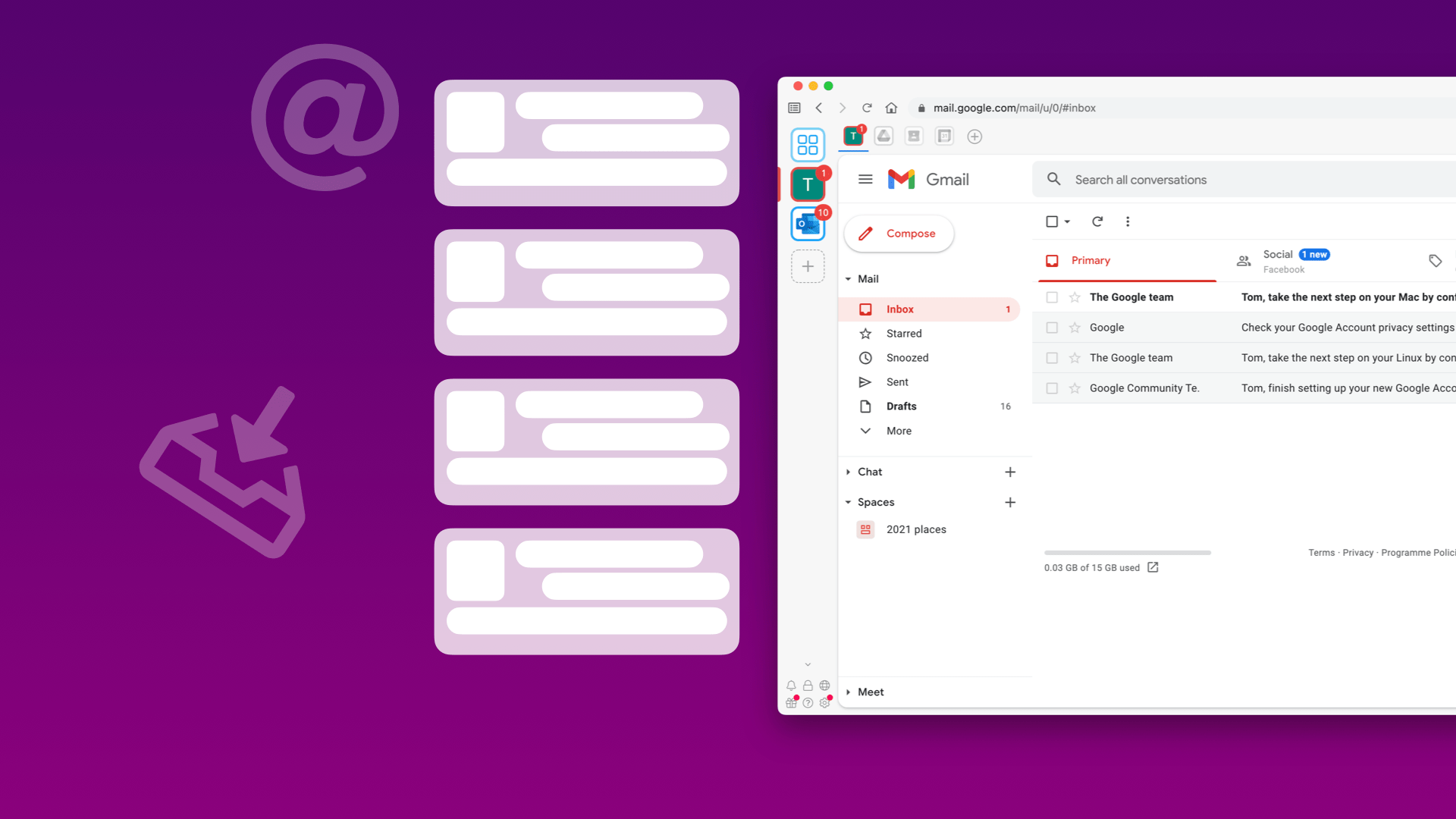
How to Create an Email Template in Gmail
Using gmail email templates, you can ensure that the messages you send to customers, suppliers and employees are consistent in their tone, grammar and spelling. Whether you’re a business professional, a student, or a personal user, having a template email can save you time and effort. Let’s take a look at how to work with both. Here's how you can do it: How to create email templates in gmail.

How To Create Gmail Templates
You can do this using gmail’s native template feature. To create a group list in gmail, follow these steps: By maintaining consistent messaging, tone, and visual elements. You’ll see a handful of microsoft’s standard templates in your collection already.if any of them apply, click the template and start creating your email. Send as an email attachment.
How To Create An Email Template On Gmail - Click on the “ compose ” button in. How to create email templates in gmail. Once you have enabled the email template feature in gmail, creating a new email template is simple and straightforward. Read on to learn how to create email templates in gmail. Creating an email template in gmail is a straightforward process that can save you time and effort in the long run. Now that your sheet is prepped, let's attach it to an email.
Let’s go together through this process. Here's how you can do it: Click on the “ compose ” button in. To create a group list in gmail, follow these steps: The easiest way to create an email template for mail merge is gmail itself.
How To Create A New Business Gmail Account
Get started with the world's first shared inbox designed for gmail and google workspace. 📄️ use a gmail draft. To create a group list in gmail, follow these steps: How to create email templates in gmail.
Whether You’re A Business Professional, A Student,
In gmail, a group list is created by selecting multiple emails and then grouping them together. Send as an email attachment. The easiest way to create an email template for mail merge is gmail itself. Here's how you can do it:
Templates In Gmail
You’ll see a handful of microsoft’s standard templates in your collection already.if any of them apply, click the template and start creating your email. Use our gmail draft, visual editor, or html editor to create your email templates. Using gmail email templates, you can ensure that the messages you send to customers, suppliers and employees are consistent in their tone, grammar and spelling. To help you do that, i'll show you how to create email templates in gmail—and how to make the most of them with automation ideas and best practices.
You Can Do This Using Gmail’s Native Template Feature
This method is perfect if you want to send a. Templates need to be switched on to appear in your gmail. Let’s take a look at how to work with both. There are several ways to create email templates in gmail.