
Google Slides Flyer Template
Google Slides Flyer Template - Bulletin board templates have emerged as a popular tool for both business and academic presentations, offering a visually appealing and engaging way to convey messages. To start, visit thegoodocs for an extensive collection of free google docs flyer templates. Customize these flyer templates easily and completely for free! Our collection is constantly updated with new printable flyer templates for google docs so that you can find the one that is perfect for your purposes. Don’t forget to explore free google slides templates to give your flyer a unique look and feel. Google docs offers a range of templates, including a flyer template, to help get you started.
Select a suitable template from those available and click on it. Don’t forget to explore free google slides templates to give your flyer a unique look and feel. Creating a flyer in google docs is a straightforward process that requires a clear understanding of your message and a good understanding of design principles. Bulletin board templates have emerged as a popular tool for both business and academic presentations, offering a visually appealing and engaging way to convey messages. Find free flyer templates for google slides and powerpoint on this page!

Google Slides Flyer Template
Select a suitable template from those available and click on it. On the right pane, click the download this template button. All of these templates are designed to help you create a professional flyer quickly and easily. Bulletin board templates have emerged as a popular tool for both business and academic presentations, offering a visually appealing and engaging way to convey messages.

Flyer Template Google Slides
Search for a flyer template. This post template can be used for academic meetings, events, or business conferences. Give a colorful touch to your event flyers with this a6 gradient template. By following these steps and tips, you can create a professional. You only need to change text, logo or colors on the professional ppt templates.

Flyer Template Google Slides
Once selected, open the template in google docs, where you can easily customize text, images, and colors to suit your needs. To start, visit thegoodocs for an extensive collection of free google docs flyer templates. This collection consists of 30 free stylish flyer templates in google docs, each of which is very easy to adapt to your specific purposes. Find free flyer templates for google slides and powerpoint on this page!

Flyer Template Google Slides
Search for a flyer template. Find free flyer templates for google slides and powerpoint on this page! The color scheme used in this template is great for any brochure design, whether for an event, business, or educational purpose. You only need to change text, logo or colors on the professional ppt templates. Customize these flyer templates easily and completely for free!
Flyer Template Google Slides
In this tutorial, we will select a free template. Don’t forget to explore free google slides templates to give your flyer a unique look and feel. Google docs offers a range of templates, including a flyer template, to help get you started. We offer editable and printable blanks, which are easy to use for people without special skills. You only need to change text, logo or colors on the professional ppt templates.
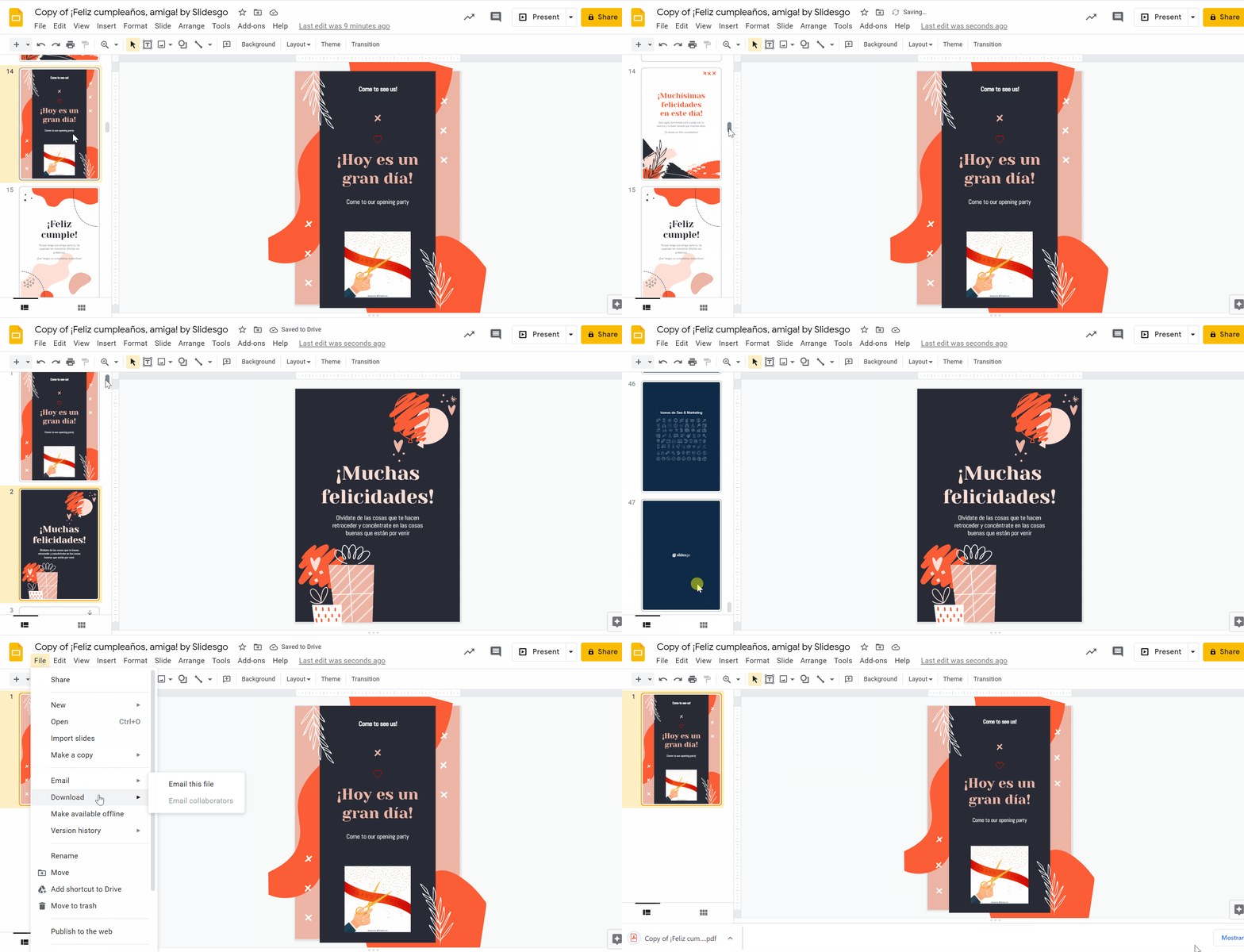
Google Slides Flyer Template - Creating a flyer with google slides is not only easy but also fun. If you are a tour planner or own a travel agency, then get this free travel flyer template and promote your tour packages, travel fair, etc. Select a suitable template from those available and click on it. In this tutorial, we will select a free template. Go to slidesgo — free google slide templates. Edit it with google slides and powerpoint.
We offer editable and printable blanks, which are easy to use for people without special skills. We’ve compiled a list of the best free google slides leaflet templates for you to choose from. With the bright color, it can grab everyone’s attention. Select a suitable template from those available and click on it. No more power point templates.
If You Are A Tour Planner Or Own
In this tutorial, we will select a free template. On the right pane, click the download this template button. Search for a flyer template. Our collection is constantly updated with new printable flyer templates for google docs so that you can find the one that is perfect for your purposes.
All Of These Templates Are Designed To Help You
Discover the best flyer powerpoint templates and google slides themes that you can use in your presentations. No more power point templates. Once selected, open the template in google docs, where you can easily customize text, images, and colors to suit your needs. Give a colorful touch to your event flyers with this a6 gradient template.
Google Docs Flyer Templates
Create a professional flyer in just a few minutes! Get this business flyer template to promote your business, create brand awareness, and announce special events or market services. By following these steps and tips, you can create a professional. Explore our collection of free event flyer templates in google docs, word, google slides, and powerpoint formats.
Google Docs Offers A Range Of Templates, Including
Creating a flyer in google docs is a straightforward process that requires a clear understanding of your message and a good understanding of design principles. Go to slidesgo — free google slide templates. Select a suitable template from those available and click on it. Customize these flyer templates easily and completely for free!