
Faq Template Word
Faq Template Word - I wanted to try and create a list of questions at the top with Each cell except the last cell needs to have a trailing field which triggers the next record from the. There is one major glitch when using database fields: Last edited by hagar delest on mon mar 23, 2020 9:54 pm, edited 1 time in total. I figured there might be some kind of invoice template (or sample) that i could use as a starting point. If the files you want to open are not on the list, you need to find another way to open them, either by converting them to a file type which is on the.
The page is freely accessible from outside the university. There is nothing that can be done to get rid of them. If the files you want to open are not on the list, you need to find another way to open them, either by converting them to a file type which is on the. See [tutorial] differences between writer and ms word files for why you should always work in and save files as.odt. There is one major glitch when using database fields:

Quiz in Word FREE Template Download
I wanted to try and create a list of questions at the top with I am not sure if a template is the right method or not. There is nothing that can be done to get rid of them. They are in swedish and english. This is a list of the file types which writer 4.1.2 can open.
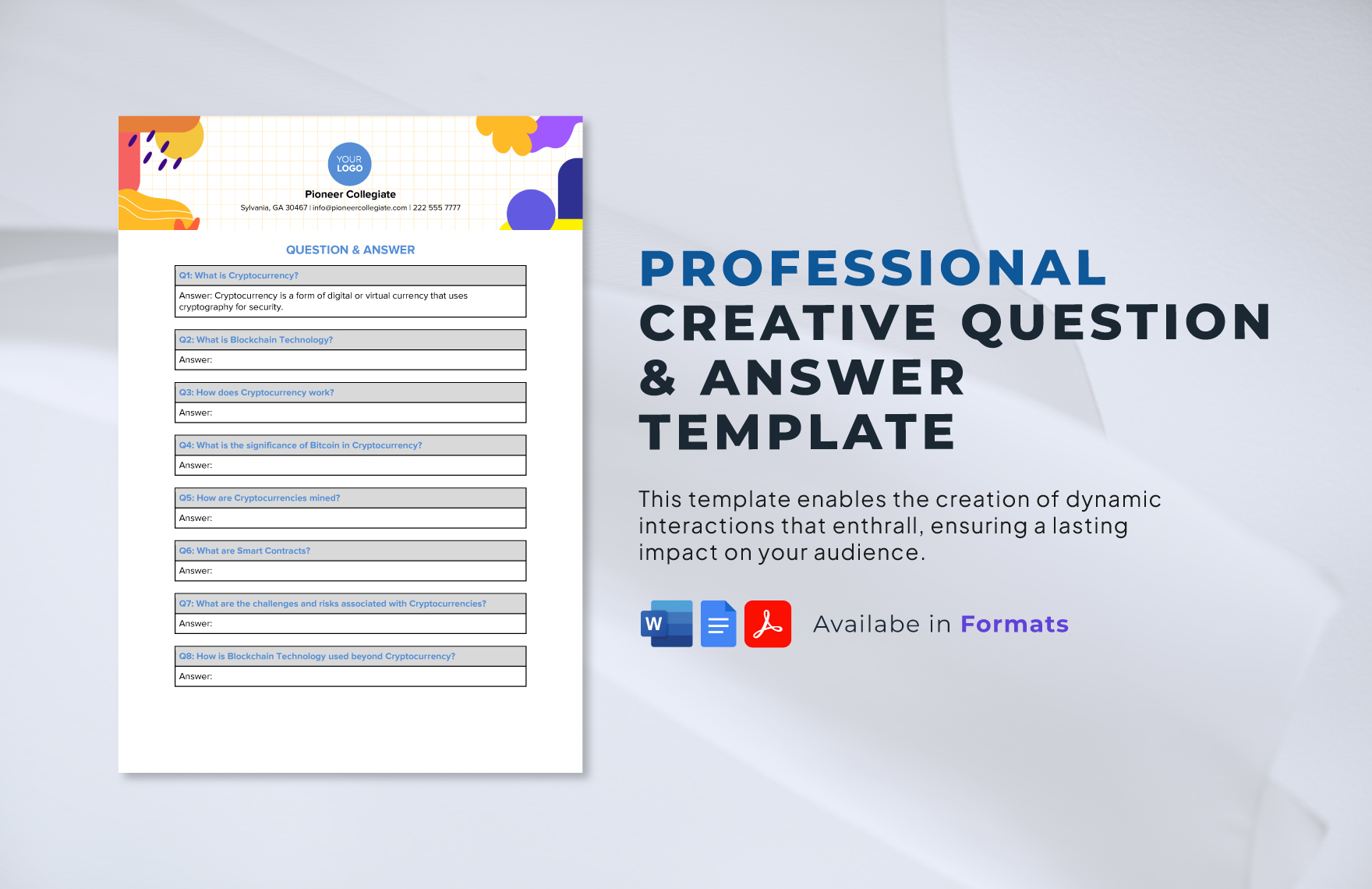
FAQ Template in Word, PDF, Google Docs Download
I guess i'll need to download a template. I am not sure if a template is the right method or not. I am such a newbie with oo. There is nothing that can be done to get rid of them. There is one major glitch when using database fields:

FAQ Template in Word, PDF, Google Docs Download
The page is freely accessible from outside the university. I have used tried a simple calculation but it seems to be adding up wrong its 1p out £5.46 + £21.34 + £0.71 = should be £27.51 but it keeps giving me £27.52 I wanted to try and create a list of questions at the top with Last week i did some work for a company who've now asked me to submit an invoice to them!!

MS Word Template
Last edited by hagar delest on mon mar 23, 2020 9:54 pm, edited 1 time in total. Is that process listed in detail somewhere? I am trying to create an faq with questions and answers for 70 questions that i already have written. With a downloaded table template you would fill out one table cell with the required fields and fixed text and finally copy the edited cell content across the other cells.

Faq Word Template Database
Once you know that you can easily set up a document template within ooo to always have the address in the correct place. I figured there might be some kind of invoice template (or sample) that i could use as a starting point. There is nothing that can be done to get rid of them. Each cell except the last cell needs to have a trailing field which triggers the next record from the.
Faq Template Word - I'm using openoffice 4 (mostly the word processor). I figured there might be some kind of invoice template (or sample) that i could use as a starting point. Tried changing all the colors to white. Here is a link to the template directly. The page does not say anything about using the template outside uppsala university. I am not sure if a template is the right method or not.
Tried changing all the colors to white. Last edited by hagar delest on mon mar 23, 2020 9:54 pm, edited 1 time in total. If the files you want to open are not on the list, you need to find another way to open them, either by converting them to a file type which is on the. The page does not say anything about using the template outside uppsala university. See [tutorial] differences between writer and ms word files for why you should always work in and save files as.odt.
Each Cell Except The Last Cell Needs To Have
Last week i did some work for a company who've now asked me to submit an invoice to them!! Hello, thank you *very much* for taking time to reply to my template question. Once you know that you can easily set up a document template within ooo to always have the address in the correct place. Last edited by hagar delest on mon mar 23, 2020 9:54 pm, edited 1 time in total.
Is That Process Listed In Detail Somewhere?
Here is a link to the template directly. With a downloaded table template you would fill out one table cell with the required fields and fixed text and finally copy the edited cell content across the other cells. I'm using openoffice 4 (mostly the word processor). I have tried setting the table frame to no outlines.
There Is Nothing That Can Be Done To Get
I guess i'll need to download a template. See [tutorial] differences between writer and ms word files for why you should always work in and save files as.odt. The page is in swedish but if you download all the files with the name openoffice.org in the right pane you will get the template and instructions. I am such a newbie with oo.
I Figured There Might Be Some Kind Of Invoice
One way is to fold a sheet of the paper in the way you will fold it in the future, put it in an envelope with the transparent window removed, and draw round the edge of the window onto the paper. If your problem is solved please view your first post in this thread and click the edit button (top right in the post) and add [solved] in front of the subject. I am not sure if a template is the right method or not. The page does not say anything about using the template outside uppsala university.