
Canva Dark Template
Canva Dark Template - Canva offers easy methods to adjust brightness and shadows. Dark backgrounds are easier on the eyes, especially in low. Enable dark mode on canva. Use canva’s free and customizable templates. Presentation by najelaa studio design. Check out our dark canva template selection for the very best in unique or custom, handmade pieces from our templates shops.
Use canva’s free and customizable templates. If you'd like to lighten the background image, follow the steps below! These tools allow anyone to enhance their photos. Switching to dark mode in canva offers several advantages: When creating new content, think about dark mode from the initial design phase.

Dark Blue Abstract Photos by Canva
If your system is set to dark mode, canva will also switch to dark mode. When creating new content, think about dark mode from the initial design phase. Up to 10% cash back black & red customizable template kit designed specifically for instagram posts, stories and highlights. This is the default canva theme, featuring a bright and airy interface. From the top corner of the homepage, select the gear icon to go to account settings.

[100+] Canva Backgrounds
Up to 10% cash back black & red customizable template kit designed specifically for instagram posts, stories and highlights. Consider dark mode from the start: Canva dark mode is a feature that allows you to switch the color scheme of the canva interface from light to dark. When creating new content, think about dark mode from the initial design phase.

Page 3 Free and customizable dark blue background templates
In this comprehensive guide, you'll learn how to set a dark background in canva, enhancing the impact and elegance of your designs. Blue simple business roadmap presentation. Switching to dark mode in canva offers several advantages: This powerful tool transforms canva's interface into a. This feature is designed to reduce eye strain and make it.
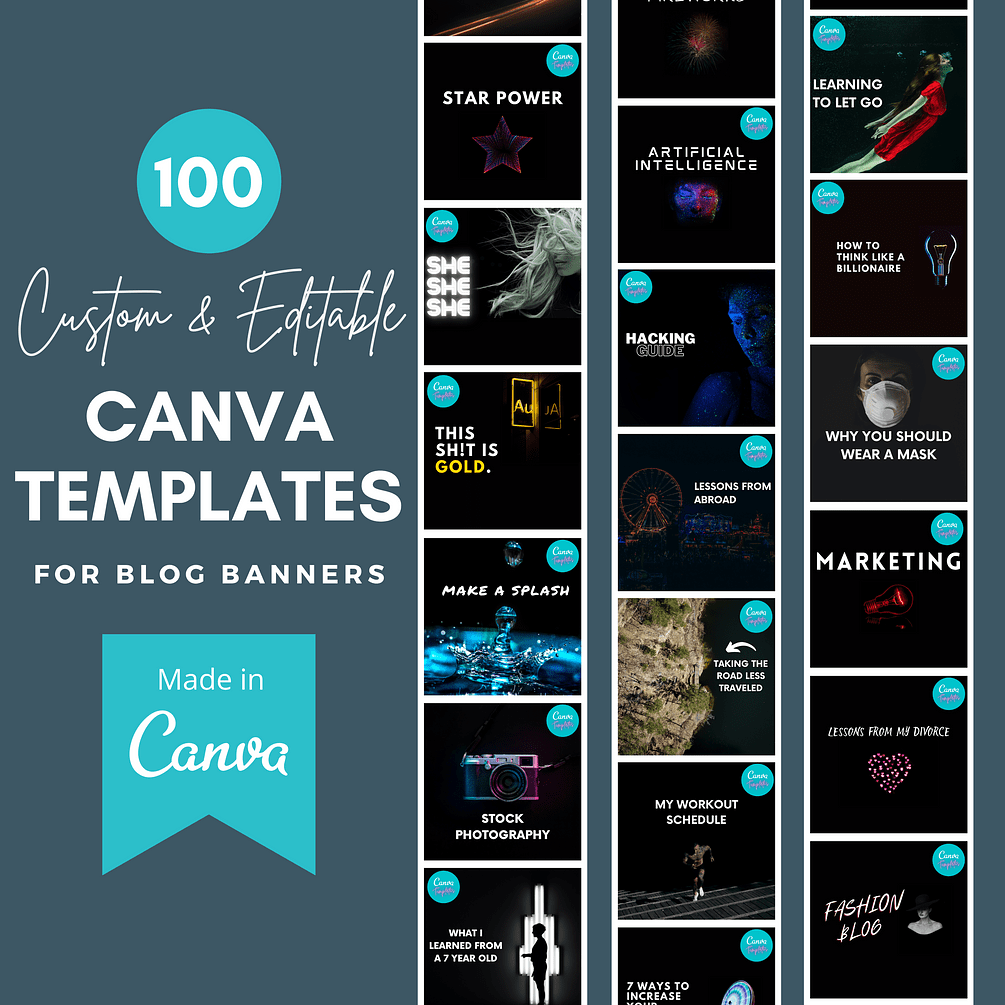
Canva Templates • Black Background w/ White Text Overlay
Dark backgrounds are easier on the eyes, especially in low. Blue simple business roadmap presentation. If you'd like to lighten the background image, follow the steps below! From the top corner of the homepage, select the gear icon to go to account settings. Darkening an image can transform its mood and focus the viewer’s attention.

The Best Free Retro Fonts on Canva Keyword elements
Canva dark mode is a feature that allows you to switch the color scheme of the canva interface from light to dark. If you'd like to lighten the background image, follow the steps below! You can use templates on your computer on website. Benefits of using dark mode. Consider dark mode from the start:
Canva Dark Template - Create stunning dark desktop wallpaper designs that level up your digital space. Switching to dark mode in canva offers several advantages: This can help you make informed decisions about color palettes, image. Canva dark mode is a feature that allows you to switch the color scheme of the canva interface from light to dark. These tools allow anyone to enhance their photos. Blue simple business roadmap presentation.
Benefits of using dark mode. Canva offers easy methods to adjust brightness and shadows. When creating new content, think about dark mode from the initial design phase. If you'd like to lighten the background image, follow the steps below! Blue simple business roadmap presentation.
In This Comprehensive Guide, You'll Learn How To Set
This is the default canva theme, featuring a bright and airy interface. This powerful tool transforms canva's interface into a. Canva dark mode is a feature that allows you to switch the color scheme of the canva interface from light to dark. This can help you make informed decisions about color palettes, image.
This Feature Is Designed To Reduce Eye Strain
Blue simple business roadmap presentation. Explore professionally designed black templates you can customize and share easily from canva. If you'd like to lighten the background image, follow the steps below! By providing a visually appealing and comfortable interface, dark mode helps alleviate eye strain.
Darkening An Image Can Transform Its Mood And Focus
🌗 learn how to switch your canva workspace to dark mode in just a few simple steps! Enabling dark mode in canva is a simple yet effective way to enhance your design experience. From the top corner of the homepage, select the gear icon to go to account settings. Many of our templates have a darker background photo to help text and elements stand out in the design.
Enable Dark Mode On Canva
Dark backgrounds are easier on the eyes, especially in low. Benefits of using dark mode. Consider dark mode from the start: Presentation by najelaa studio design.