
Cannot Create A Powerform From The Selected Template
Cannot Create A Powerform From The Selected Template - I’m trying to create a new power form and and get this message: Direct signing mode is not enabled for powerforms.” i have. I’m trying to create a new power form and and get this message: “cannot create a powerform from the selected template. Powerforms cannot be created without satisfying a few requirements on the underlying template. Learn how to troubleshoot template.
To create a powerform, you must have powerform administrator permissions. Before you build a powerform, review the following template requirements. Powerforms cannot be created without satisfying a few requirements on the underlying template. If the option to create power forms is not showing up for your template, even after trying to adjust the recipient fields and roles, here are some troubleshooting steps and considerations:. I created a template and what to use it as a powerform.
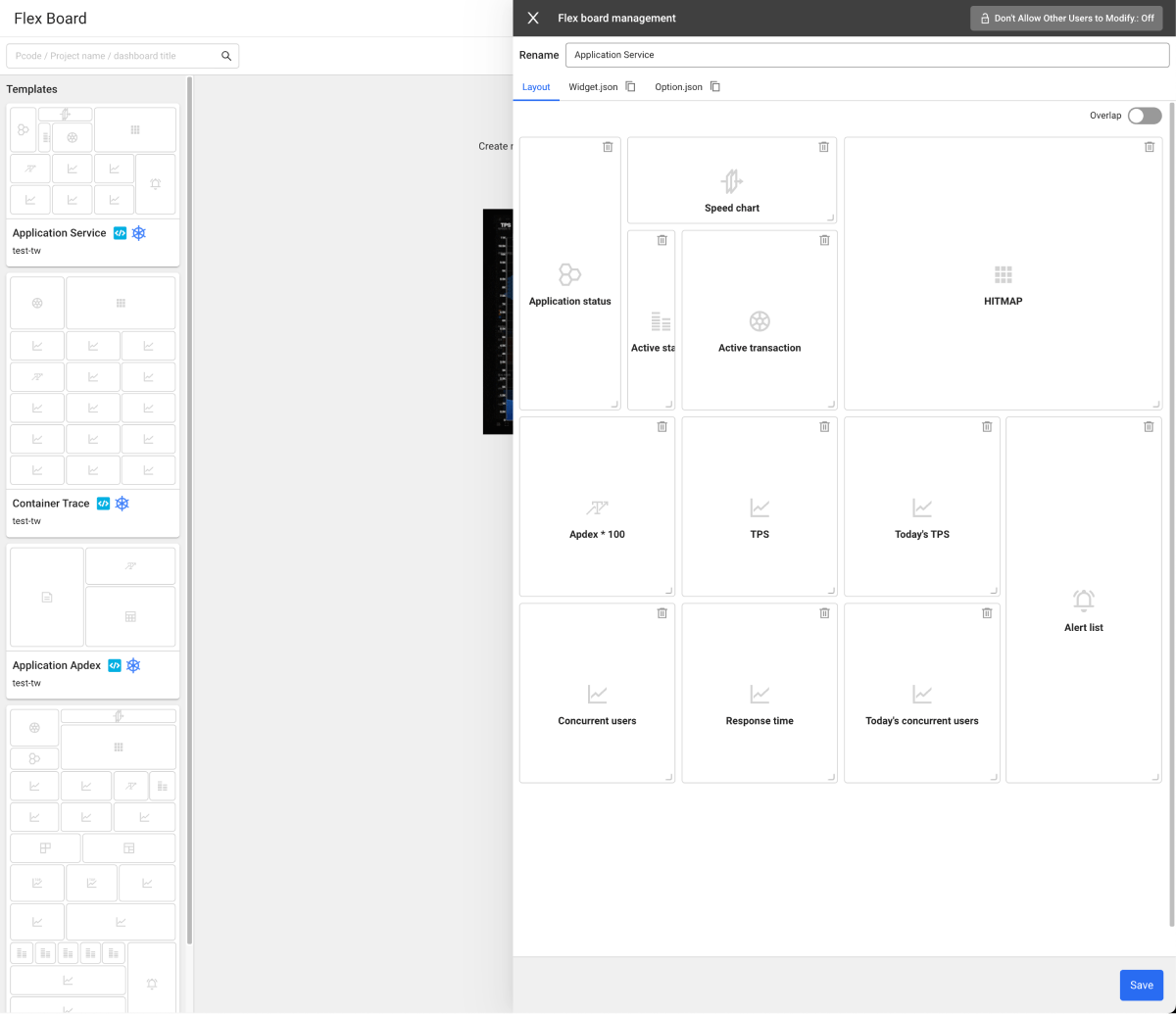
Application of the template WhaTap Docs
Before you build a powerform, review the following template requirements. Direct signing mode is not enabled for powerforms.” i can’t find. After you perform the preliminary tasks such as getting the proper permissions and selecting a template, you can begin creating and using powerforms. Direct signing mode is not enabled for powerforms.” i have. If the option to create power forms is not showing up for your template, even after trying to adjust the recipient fields and roles, here are some troubleshooting steps and considerations:.

I cannot create a PowerForm from a template Community
Unfortunately it is not possible to provide an envelope custom field in the request to create the powerform. If the option to create power forms is not showing up for your template, even after trying to adjust the recipient fields and roles, here are some troubleshooting steps and considerations:. To fix the error “cannot create a powerform from the selected template,” you can try the following steps: If you are unable to create a powerform from the selected template, it is likely that the template is not compatible with your version of powerapps.

Cannot Create A Powerform From The Selected Template
To create a powerform, you must have powerform administrator permissions. You may not have the appropriate permissions to do so. “cannot crete a powerform from the selected template”. If you are unable to create a powerform from the selected template, it is likely that the template is not compatible with your version of powerapps. The envelope custom field has to already exist in the template you use.

Cannot Create A Powerform From The Selected Template
I’m trying to create a new power form and and get this message: At least one file and one placeholder recipient are required. I’m trying to create a new power form and and get this message: The selected template is not valid for a powerform. If you are not using the latest version of.

Cannot Create A Powerform From The Selected Template
To create a powerform, you must have powerform administrator permissions. Unfortunately it is not possible to provide an envelope custom field in the request to create the powerform. “cannot create a powerform from the selected template. Troubleshoot powerform template issues with ease. To begin creating a docusign powerform you'll first need to make sure you have created a template only filling in the role field for the recipient and have left the email and.
Cannot Create A Powerform From The Selected Template - I’m trying to create a new power form and and get this message: The envelope custom field has to already exist in the template you use. At least one file and one placeholder recipient are required. To begin creating a docusign powerform you'll first need to make sure you have created a template only filling in the role field for the recipient and have left the email and. When i select create powerform it get the following error: Powerforms cannot be created without satisfying a few requirements on the underlying template.
After you perform the preliminary tasks such as getting the proper permissions and selecting a template, you can begin creating and using powerforms. “cannot create a powerform from the selected template. If you are unable to create a powerform from the selected template, it is likely that the template is not compatible with your version of powerapps. Powerforms cannot be created without satisfying a few requirements on the underlying template. When i select create powerform it get the following error:
Direct Signing Mode Is Not Enabled For Powerforms.” I
If you are unable to create a powerform from the selected template, it is likely that the template is not compatible with your version of powerapps. Troubleshoot powerform template issues with ease. I’m trying to create a new power form and and get this message: To create a powerform, you must have powerform administrator permissions.
Update Powerform To The Latest Version
“cannot create a powerform from the selected template. Before you build a powerform, review the following template requirements. “cannot crete a powerform from the selected template”. “cannot create a powerform from the selected template.
Direct Signing Mode Is Not Enabled For Powerforms.” I
I’m trying to create a new power form and and get this message: I created a template and what to use it as a powerform. “cannot create a powerform from the selected template. Unfortunately it is not possible to provide an envelope custom field in the request to create the powerform.
When I Select Create Powerform It Get The Following
Learn how to troubleshoot template. Check this article first and run through the list of requirements for the powerform to see if these resolve your issue. To fix the error “cannot create a powerform from the selected template,” you can try the following steps: The selected template is not valid for a powerform.