
Avery Template For Good Sheets
Avery Template For Good Sheets - Use this step by step guide for how to make labels in google docs. Showing 1 to 18 of 1785 templates. First, open the google sheets document with your address data. Simply choose from our collection of professional designs or upload your own graphics,. Choose, design and print your favorite avery products online. Easily personalize your blank labels online using the free avery templates and design tools.
First, open the google sheets document with your address data. Showing 1 to 18 of 1785 templates. Easily personalize your blank labels using the free avery templates and online design tools. In google sheets, adjust the column widths and row heights to match the layout from your avery template. Integrating google sheets with avery templates.

Avery® Print or Write MultiUse Labels 02207 Template 36
Simply choose from our collection of professional designs or upload your own graphics,. Easily personalize your blank labels using the free avery templates and online design tools. A sidebar will appear on the right. For laser and inkjet printers, ¾ 2344 Avery templates by product number.

Avery Template
Simply choose from our collection of professional designs or upload your own graphics,. Showing 1 to 18 of 1785 templates. This step might involve a bit of trial and error, so patience is key. Integrating google sheets with avery templates. Simply choose from our collection of professional designs or upload your own graphics,.
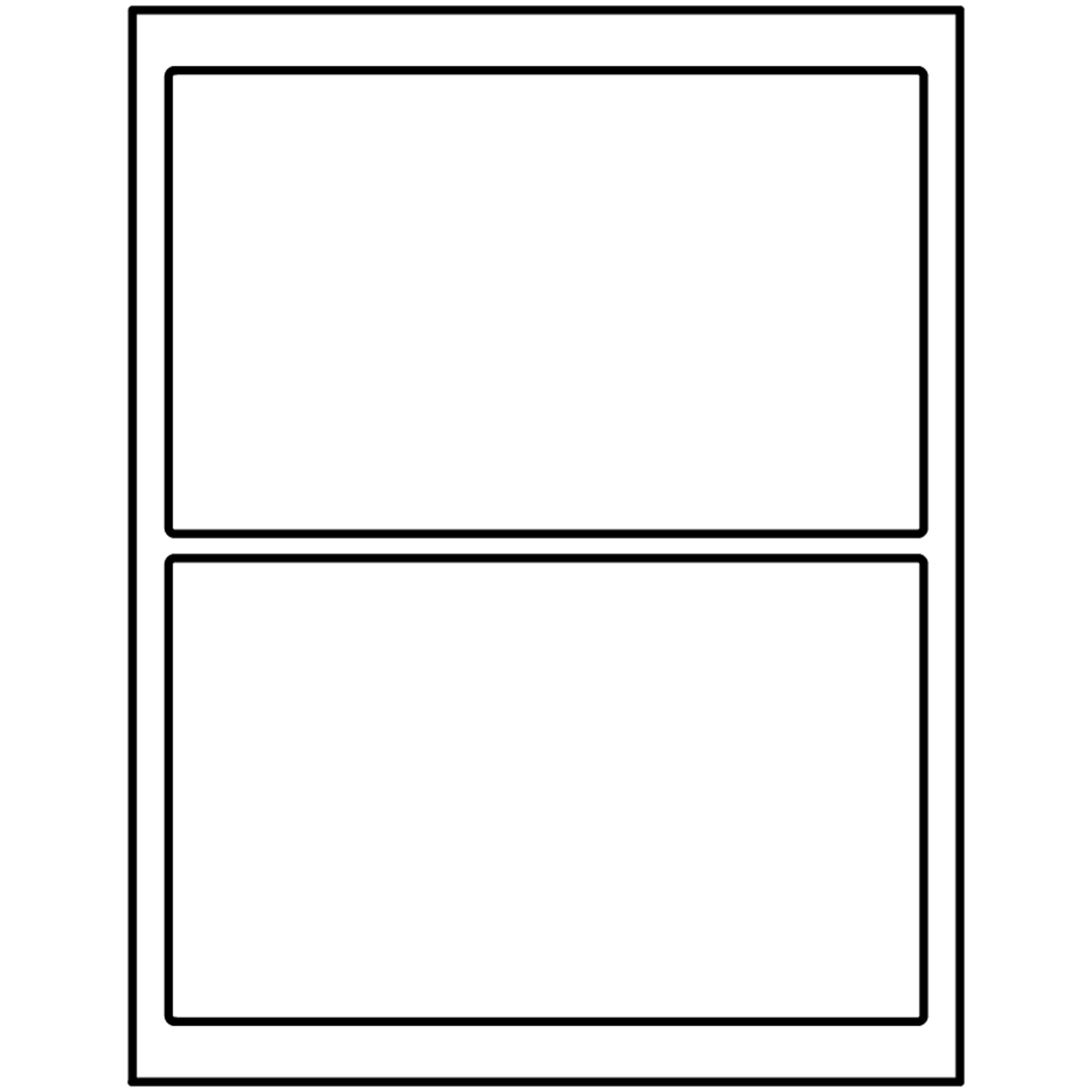
Template for Avery Presta® 94255 Rectangle Labels 43/4" x
You can design and print business cards online, labels, greeting cards and more. Easily personalize your blank labels using the free avery templates and online design tools. Simply choose from our collection of professional designs or upload your own graphics,. Showing 1 to 18 of 1785 templates. For laser and inkjet printers, ¾ 2344
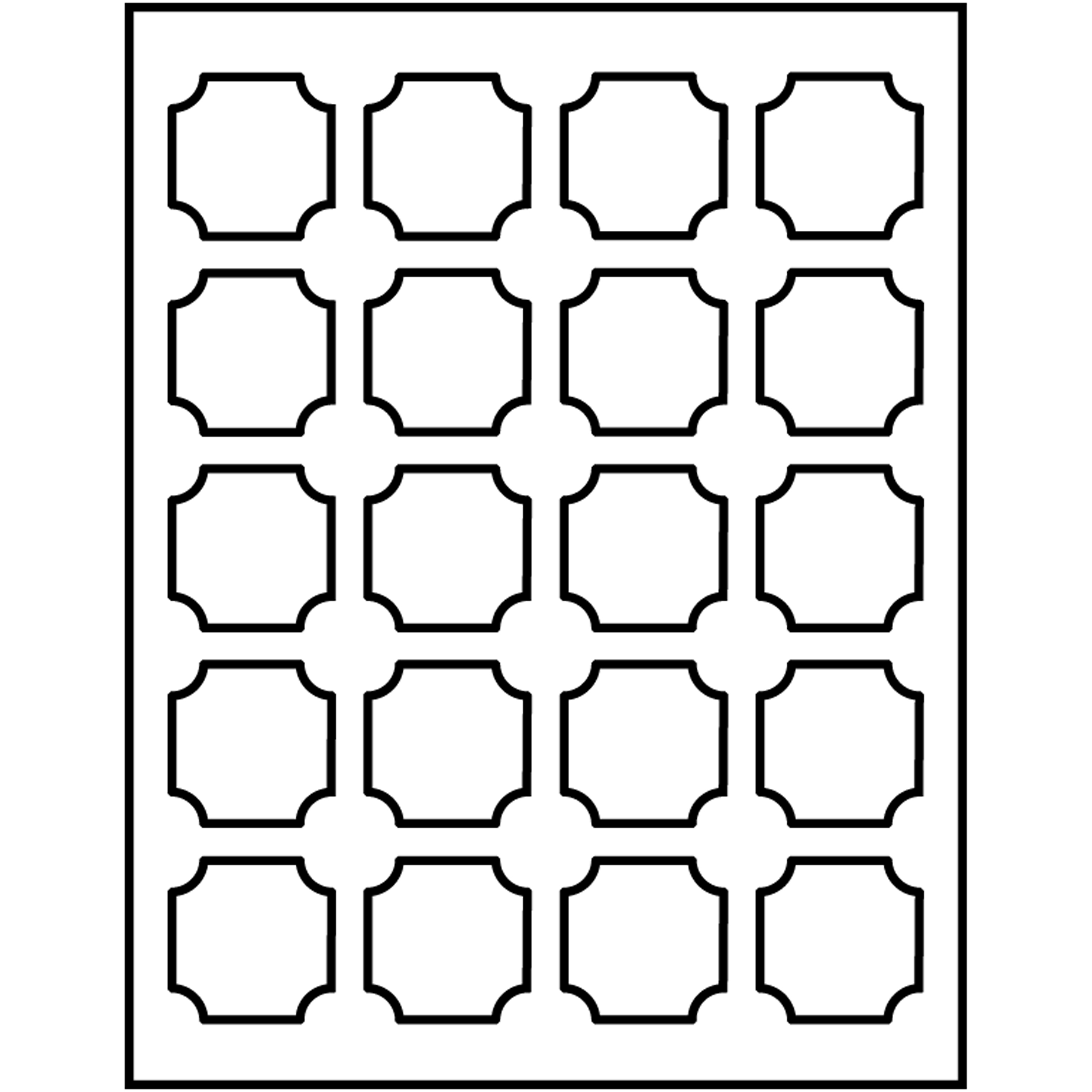
Template for Avery Presta® 94110 Square Scalloped Labels 15/8"
A sidebar will appear on the right. Integrating google sheets with avery templates. Select from dozens of free templates and designs from avery, format them and print with your inkjet printer for a professional appearance. This process is a bit. You can design and print business cards online, labels, greeting cards and more.

Avery Printable Tabs Template
All of the free sticker templates in this article are formatted for avery 8″ x 11″ diy decals with surface safe adhesive (61512) and our blank labels by the sheet that you can buy online with. You can design and print business cards online, labels, greeting cards and more. Showing 1 to 18 of 1785 templates. Now that your template is ready, it’s time to merge your data from google sheets into the avery template.
Avery Template For Good Sheets - For laser and inkjet printers, ¾ 2344 You can design and print business cards online, labels, greeting cards and more. Avery templates by product number. First, open the google sheets document with your address data. Avery ® removable colour coding labels template. Choose, design and print your favorite avery products online.
Integrating google sheets with avery templates. Whether you need to print address labels, name tags, or product labels, word has you. Now that your template is ready, it’s time to merge your data from google sheets into the avery template. A sidebar will appear on the right. Avery templates by product number.
For Laser And Inkjet Printers, ¾ 2344
Showing 1 to 18 of 1785 templates. Integrating google sheets with avery templates. Avery ® removable colour coding labels template. Now that your template is ready, it’s time to merge your data from google sheets into the avery template.
Free Avery Templates
Easily personalize your blank labels online using the free avery templates and design tools. Choose, design and print your favorite avery products online. This step might involve a bit of trial and error, so patience is key. Creating multiple pages of avery labels in word is a straightforward process.
Avery Templates By Product Number
Simply choose from our collection of professional designs or upload your own graphics,. First, open the google sheets document with your address data. Select from dozens of free templates and designs from avery, format them and print with your inkjet printer for a professional appearance. More than 3,000 shape, size & material combinations.
A Sidebar Will Appear On The Right
Use this step by step guide for how to make labels in google docs. All of the free sticker templates in this article are formatted for avery 8″ x 11″ diy decals with surface safe adhesive (61512) and our blank labels by the sheet that you can buy online with. This process is a bit. Create avery address labels in google docs for free.