
Avery Template 8160 Google Docs
Avery Template 8160 Google Docs - Download free templates for avery 8160 for use in microsoft office and adobe suite. ★ download avery 5160 ® template for google docs ™ and google sheets ™ in pdf & microsoft word format. Pick your address label sheet below and download the template for you address labels. Google docs offers a range of label templates that you can use to create your own custom labels. Create and print address labels with our. Create & print perfectly aligned labels with google mail merge labels from google docs and google sheets.
Pick your address label sheet below and download the template for you address labels. Google docs offers a range of label templates that you can use to create your own custom labels. Use the template below compatible with avery® 8160® address labels to print your own address labels with microsoft word or google docs. Find hundreds of avery templates built for use with google drive. Print perfectly aligned labels with foxy labels!
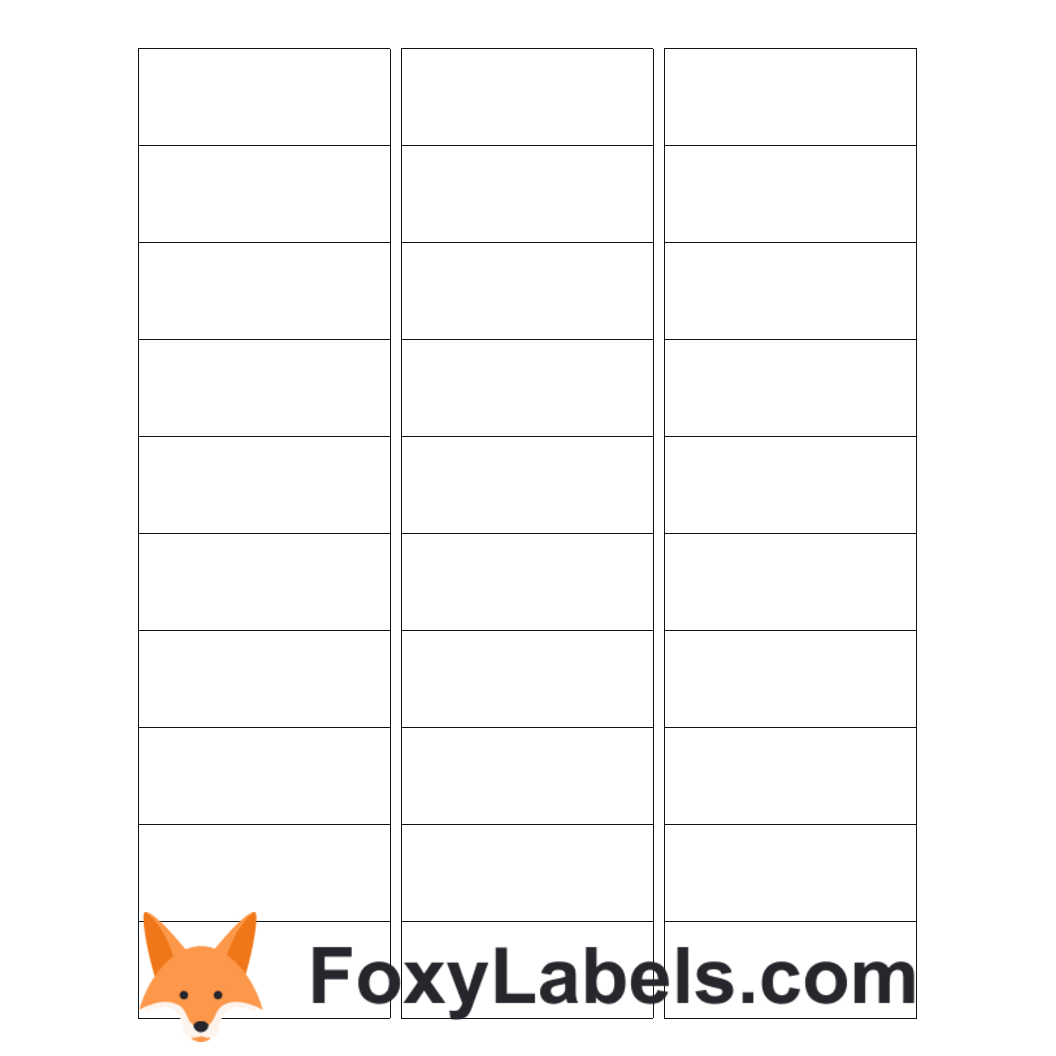
Avery 8160 Template Google Docs
Creating avery labels in google docs is a simple and efficient way to streamline your labeling process. Avery 8160 template to use this template, follow these steps: Create & print perfectly aligned labels with google mail merge labels from google docs and google sheets. Select from 1000+ templates compatible with avery® labels. Looking for a compatible address label template file?

Avery Labels 8160 Template Google Docs
The avery 8160 template for google docs is a versatile tool that simplifies the process of creating professional labels. Perfect for creating labels, cards, and more! Mail merge from templates compatible with avery® as well as sheetlabels®,. Create and print address labels with our. Google docs offers a range of label templates that you can use to create your own custom labels.

Avery 8160 template google docs google sheets Artofit
Create and print labels using avery® 8160 template for google docs & google sheets. Looking for a compatible address label template file? Google docs offers a range of label templates that you can use to create your own custom labels. 🔥 print perfectly aligned labels in google docs and google sheets. Pick your address label sheet below and download the template for you address labels.

Avery® Address Labels 8160 30 labels per sheet
Select from 1000+ templates compatible with avery® labels. Pick your address label sheet below and download the template for you address labels. Download free templates for avery 8160 for use in microsoft office and adobe suite. We've updated our free avery design & print online for compatibility with google sheets and google photos! Create and print labels using avery® 8160 template for google docs & google sheets.

8160 avery label template for word jolochocolate
To get started, open a new google docs document. Find hundreds of avery templates built for use with google drive. You can easily import your google sheets using the import data/mail merge. Google docs offers a range of label templates that you can use to create your own custom labels. Select from 1000+ templates compatible with avery® labels.
Avery Template 8160 Google Docs - Use the template below compatible with avery® 8160® address labels to print your own address labels with microsoft word or google docs. Creating avery labels in google docs is a simple and efficient way to streamline your labeling process. Perfect for creating labels, cards, and more! Select from 1,000+ templates compatible with avery® and other label providers. To get started, open a new google docs document. ★ stop hand writing labels thanks to this gdocs extension.
Create and print labels using avery® 8160 template for google docs & google sheets. Creating avery labels in google docs is a simple and efficient way to streamline your labeling process. Find hundreds of avery templates built for use with google drive. Select the file menu, then click on page. Are you interested in the opportunity to print a template label from google doc?
Label Templates
Create and print labels using avery® 8160 template for google docs & google sheets. Select the file menu, then click on page. Select from 1000+ templates compatible with avery® labels. In this article, we’ll show you how to use avery labels in google docs and take.
The Template
Looking for a compatible address label template file? Create & print perfectly aligned labels with google mail merge labels from google docs and google sheets. The avery 8160 template for google docs is a versatile tool that simplifies the process of creating professional labels. If the avery 8160 label template google docs is what you need for your work, you should get.
Free Avery Templates
The best way to create and print labels or envelopes from google docs and google sheets. Create and print address labels with our. 🔥 print perfectly aligned labels in google docs and google sheets. To get started, open a new google docs document.
Free Label Template
We've updated our free avery design & print online for compatibility with google sheets and google photos! Pick your address label sheet below and download the template for you address labels. Select from 1,000+ templates compatible with avery® and other label providers. Word template and pdf version available.