
Avery Template 5260
Avery Template 5260 - I accessed avery but i am reluctant to download due to advertising and a warning from microsoft. Mailings > labels > options > label vendors dropdown. Ms office 2007 avery label 5260 since using windows 8 on my new asus laptop i no longer have the drop down avery label no. Click the following items, as shown in the picture: In the label options dialog, for label vendor, select avery us letter. in the product number box, scroll down to 5520. After you told avery to use an existing excel spreadsheet, you picked the column headings and formatted the blank label in avery.
But they're not quite in numerical order (in fact, they're in alphabetic order): Select the appropriate avery group for the kind of labels you'll print on. What may be confusing is that the list is not in numeric order, but in an alphanumeric order. Ms office 2007 avery label 5260 since using windows 8 on my new asus laptop i no longer have the drop down avery label no. Note that the list is sorted as text so that label with a 5 digit number starting with <5 will appear before a label with a 4 digit number that starts with 5.

Avery 5260 Template
In the label options dialog, for label vendor, select avery us letter. in the product number box, scroll down to 5520. After you choose avery us letter in the label vendors dropdown, the product numbers appear in the list box. The 5260 address labels are a bit of half way down the list of product numbers. Select the appropriate avery group for the kind of labels you'll print on.
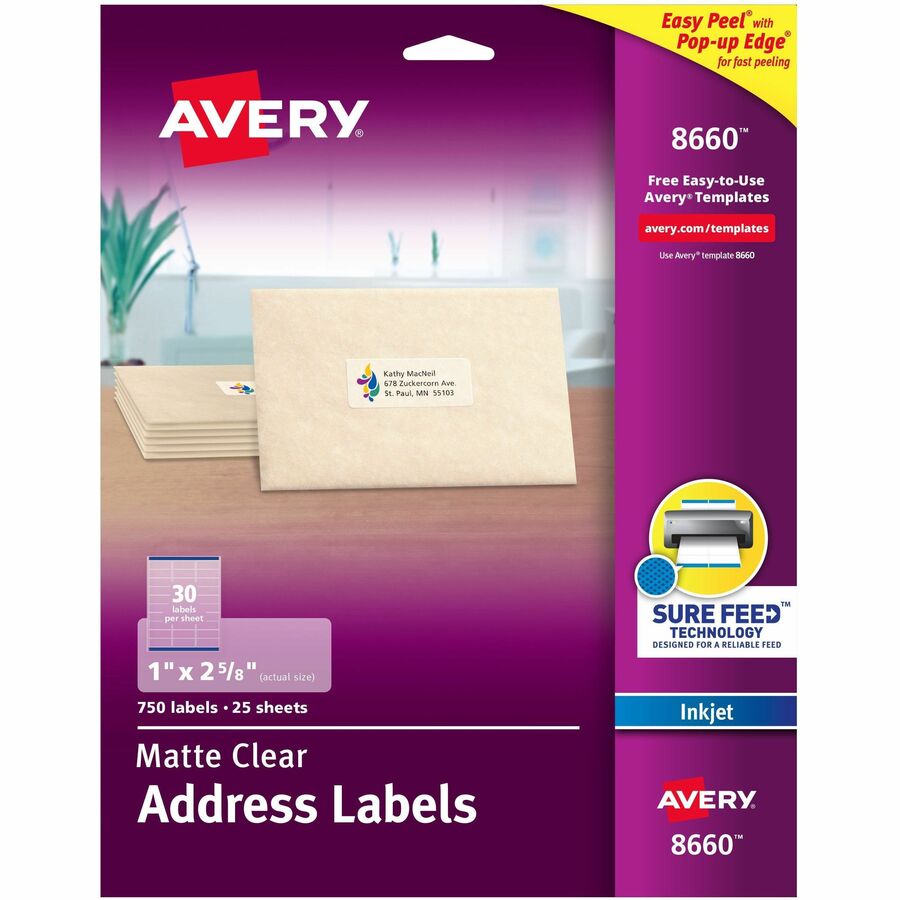
Download avery 5260 template
Ms office 2007 avery label 5260 since using windows 8 on my new asus laptop i no longer have the drop down avery label no. I accessed avery but i am reluctant to download due to advertising and a warning from microsoft. After you told avery to use an existing excel spreadsheet, you picked the column headings and formatted the blank label in avery.

Avery 5260 Template Google Docs The Templates Art
5260 or any drop down menu. What may be confusing is that the list is not in numeric order, but in an alphanumeric order. There was a 'merge' at the top and it filled in the template with your data from excel. Mailings > labels > options > label vendors dropdown. I have tried all the label adjustments and nothing is working.

Avery 5260 Label Template
Word 2013 in office 365 does have the avery 5160 template: The first column is fine the second column is right on the left edge of the label and the third column is in the left gutter. In the product number list, select the specific kind of label as shown on the packaging. There was a 'merge' at the top and it filled in the template with your data from excel.

Avery 5260 Label Template
After you choose avery us letter in the label vendors dropdown, the product numbers appear in the list box. Mailings > labels > options > label vendors dropdown. Another way around the issue would be to execute the merge to a new document and then save that as a pdf file and print from adobe reader. But they're not quite in numerical order (in fact, they're in alphabetic order): Then it created a word document.
Avery Template 5260 - Note that the list is sorted as text so that label with a 5 digit number starting with <5 will appear before a label with a 4 digit number that starts with 5. After you choose avery us letter in the label vendors dropdown, the product numbers appear in the list box. But they're not quite in numerical order (in fact, they're in alphabetic order): Mailings>envelopes and labels>labels tab>options then selectpage printers and avery us letter from the label vendors drop down and you will find 5160 easy peel address labels about half way down the list of labels in the product number list box. 5260 or any drop down menu. Another way around the issue would be to execute the merge to a new document and then save that as a pdf file and print from adobe reader.
In the product number list, select the specific kind of label as shown on the packaging. Select the appropriate avery group for the kind of labels you'll print on. Click ok to select the 5520 label. When it prints the list on the three columns, they are not lined up. But they're not quite in numerical order (in fact, they're in alphabetic order):
5260 Or Any Drop Down Menu
The first column is fine the second column is right on the left edge of the label and the third column is in the left gutter. Ms office 2007 avery label 5260 since using windows 8 on my new asus laptop i no longer have the drop down avery label no. Click the following items, as shown in the picture: I have tried all the label adjustments and nothing is working.
In The Product Number List, Select The Specific Kind
Note that the list is sorted as text so that label with a 5 digit number starting with <5 will appear before a label with a 4 digit number that starts with 5. The 5260 address labels are a bit of half way down the list of product numbers. All the numbers that start with 5 come after all the numbers that start. There was a 'merge' at the top and it filled in the template with your data from excel.
What May Be Confusing Is That The List
After you choose avery us letter in the label vendors dropdown, the product numbers appear in the list box. Then it created a word document. Did you actually start with the avery 5260 label. After you told avery to use an existing excel spreadsheet, you picked the column headings and formatted the blank label in avery.
Mailings > Labels > Options > Label Vendors Dropdown
Mailings>envelopes and labels>labels tab>options then selectpage printers and avery us letter from the label vendors drop down and you will find 5160 easy peel address labels about half way down the list of labels in the product number list box. Click ok to select the 5520 label. Select the appropriate avery group for the kind of labels you'll print on. Word 2013 in office 365 does have the avery 5160 template: