
Avery Template 11437
Avery Template 11437 - A 5.5 x 8.5 inch template fits two postcards on an 8.5 x 11 inch sheet of paper, and a 4.25 x 5 inch template fits four postcards on an 8.5 x 11 inch sheet. Word for the web doesn't directly support creating labels, but you can create labels from a template. All you need is the product number. If you can't find a matching or equivalent product number, look for a label template that is close in size to the labels that you purchased, and then change the page size after you create the publication. Click a template and check the description to see if the template is designed for your avery number (e.g. Click a template and check the description to see if the template is designed for your avery number (e.g.
Find and download free templates to create documents like calendars, business cards, letters, greeting cards, brochures, newsletters, or resumes. If you can't find a matching or equivalent product number, look for a label template that is close in size to the labels that you purchased, and then change the page size after you create the publication. For example, to print to avery 8763, you can select avery 5163 or 8163. Create and print labels, business cards, badges, and other items. For label templates, go to templates.office.com and search for labels.

27 Avery 11437 Label Template Labels Ideas For You
Create and print labels, business cards, badges, and other items. If you use avery paper products, such as labels, business cards, dividers, name badges and more, you can use the avery templates in word. Go to mailings > labels. A 5.5 x 8.5 inch template fits two postcards on an 8.5 x 11 inch sheet of paper, and a 4.25 x 5 inch template fits four postcards on an 8.5 x 11 inch sheet.
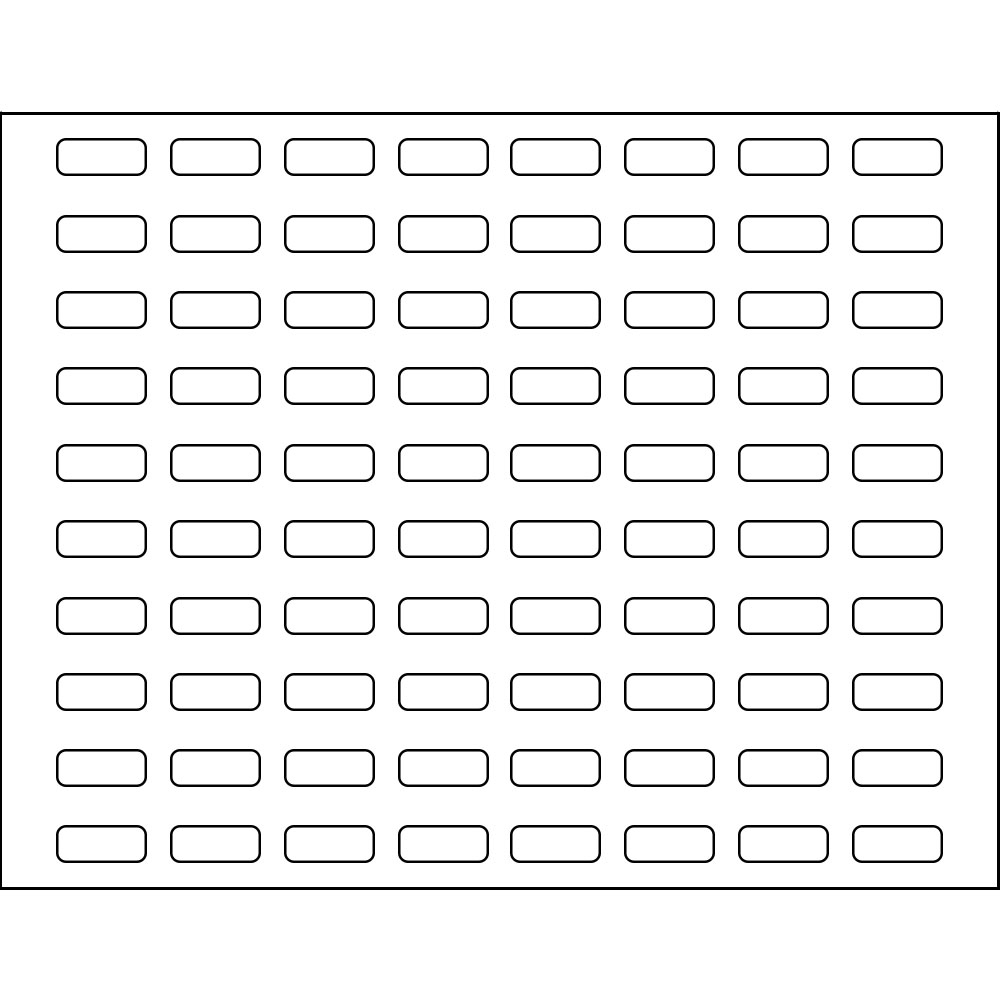
Template for Avery 11437 Index Maker Easy Apply Dividers,
For label templates, go to templates.office.com and search for labels. If you use avery paper products, such as labels, business cards, dividers, name badges and more, you can use the avery templates in word. Go to mailings > labels. If you can't find a matching or equivalent product number, look for a label template that is close in size to the labels that you purchased, and then change the page size after you create the publication.

Avery 11437 Template Avery Template 11437 » Template Haven
Click a template and check the description to see if the template is designed for your avery number (e.g. If it is, click create to begin your publication. Find and download free templates to create documents like calendars, business cards, letters, greeting cards, brochures, newsletters, or resumes. If you use avery paper products, such as labels, business cards, dividers, name badges and more, you can use the avery templates in word.

27 Avery 11437 Label Template Labels Ideas For You
If it is, click create to begin your publication. Click a template and check the description to see if the template is designed for your avery number (e.g. The description tells you whether it’s designed for your avery paper or card stock number. Start by finding an avery template for business cards that works with the avery stock you want to use.

27 Avery 11437 Label Template Labels Ideas For You
If you use avery paper products, such as labels, business cards, dividers, name badges and more, you can use the avery templates in word. Create and print labels, business cards, badges, and other items. The description tells you whether it’s designed for your avery paper or card stock number. Word for the web doesn't directly support creating labels, but you can create labels from a template.
Avery Template 11437 - If you use avery paper products, such as labels, business cards, dividers, name badges and more, you can use the avery templates in word. If it is, click create to begin your publication. Click a template and check the description to see if the template is designed for your avery number (e.g. Click a template and check the description to see if the template is designed for your avery number (e.g. The description tells you whether it’s designed for your avery paper or card stock number. Click a template thumbnail for a closer look and a description.
If you can't find a matching or equivalent product number, look for a label template that is close in size to the labels that you purchased, and then change the page size after you create the publication. All you need is the product number. If you use avery paper products, such as labels, business cards, dividers, name badges and more, you can use the avery templates in word. A 5.5 x 8.5 inch template fits two postcards on an 8.5 x 11 inch sheet of paper, and a 4.25 x 5 inch template fits four postcards on an 8.5 x 11 inch sheet. Click a template and check the description to see if the template is designed for your avery number (e.g.
Go To Mailings > Labels
For label templates, go to templates.office.com and search for labels. If you use avery paper products, such as labels, business cards, dividers, name badges and more, you can use the avery templates in word. Click a template and check the description to see if the template is designed for your avery number (e.g. Click a template and check the description to see if the template is designed for your avery number (e.g.
Click A Template Thumbnail For A Closer Look
If it is, click create to begin your publication. If it is, click create to begin your publication. Create and print labels, business cards, badges, and other items. For example, to print to avery 8763, you can select avery 5163 or 8163.
All You Need Is The Product Number
Word for the web doesn't directly support creating labels, but you can create labels from a template. Start by finding an avery template for business cards that works with the avery stock you want to use. A 5.5 x 8.5 inch template fits two postcards on an 8.5 x 11 inch sheet of paper, and a 4.25 x 5 inch template fits four postcards on an 8.5 x 11 inch sheet. Find and download free templates to create documents like calendars, business cards, letters, greeting cards, brochures, newsletters, or resumes.
The Description Tells You Whether It’s Designed
If you can't find a matching or equivalent product number, look for a label template that is close in size to the labels that you purchased, and then change the page size after you create the publication. Create and print labels, business cards, badges, and other items.