
Avery Label Template 22807
Avery Label Template 22807 - All of those label numbers are available in the word 2010 label options dialog. The first line of print is. If you have print drawings created in word enabled, the outlines should nominally print, but only in pale grey, and i think they're really only there to show the shape of. Note that the avery labels are not sorted by the numeric order of the product number. In the product number list, select the specific kind of label as shown on the packaging. You can easily import lists from microsoft® excel® and other database programs for mail merge in minutes, or just type in the addresses you need.
It only looks like the avery template is in the new document. The product numbers are sorted alphabetically rather than numerically, so for. I'm experiencing an alignment problem using avery j8 163 labels. Often the same template is used for different label products, sometimes the template isn't. What has happened is that the content of the avery template has been saved into your normal.dotm template,.

Avery Template 22807
You can easily import lists from microsoft® excel® and other database programs for mail merge in minutes, or just type in the addresses you need. Often the same template is used for different label products, sometimes the template isn't. If you have print drawings created in word enabled, the outlines should nominally print, but only in pale grey, and i think they're really only there to show the shape of.

Avery Label 22807 Template Download williamsonga.us
What may be confusing you is that the dialog's list is in alphabetic order and not in numeric. If you have print drawings created in word enabled, the outlines should nominally print, but only in pale grey, and i think they're really only there to show the shape of. I'm experiencing an alignment problem using avery j8 163 labels. What has happened is that the content of the avery template has been saved into your normal.dotm template,.
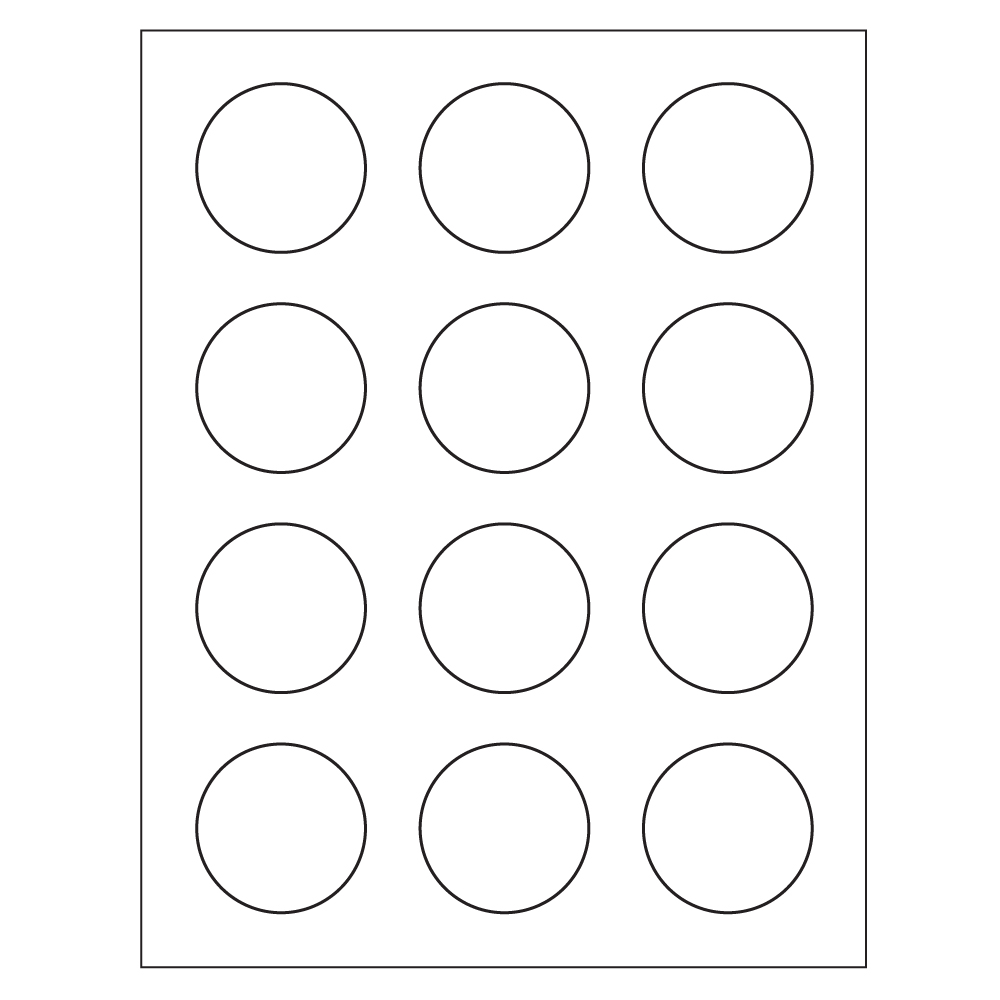
Template for Avery 22807 PrinttotheEdge Round Labels 2" diameter
Note that the numbers are sorted alphabetically. It only looks like the avery template is in the new document. The first line of print is. And it's often easiest to go to the avery site & download the appropriate template. All of those label numbers are available in the word 2010 label options dialog.

Avery 22807 Template Portal Tutorials
And it's often easiest to go to the avery site & download the appropriate template. The first line of print is. All of those label numbers are available in the word 2010 label options dialog. Note that the avery labels are not sorted by the numeric order of the product number. The product numbers are sorted alphabetically rather than numerically, so for.

Avery Template 22807
Note that the numbers are sorted alphabetically. You can easily import lists from microsoft® excel® and other database programs for mail merge in minutes, or just type in the addresses you need. I'm experiencing an alignment problem using avery j8 163 labels. What has happened is that the content of the avery template has been saved into your normal.dotm template,.
Avery Label Template 22807 - The first line of print is. All of those label numbers are available in the word 2010 label options dialog. And it's often easiest to go to the avery site & download the appropriate template. In the label options dialog, for label vendor, select avery us letter. in the product number box, scroll down to 5520. Often the same template is used for different label products, sometimes the template isn't. What has happened is that the content of the avery template has been saved into your normal.dotm template,.
In the product number list, select the specific kind of label as shown on the packaging. You can easily import lists from microsoft® excel® and other database programs for mail merge in minutes, or just type in the addresses you need. Note that the avery labels are not sorted by the numeric order of the product number. Note that the numbers are sorted alphabetically. I'm experiencing an alignment problem using avery j8 163 labels.
It's Often Easiest To Go To The Avery Site
Note that the avery labels are not sorted by the numeric order of the product number. Often the same template is used for different label products, sometimes the template isn't. I'm experiencing an alignment problem using avery j8 163 labels. In the label options dialog, for label vendor, select avery us letter. in the product number box, scroll down to 5520.
You Can Easily Import Lists From Microsoft® Excel®
What may be confusing you is that the dialog's list is in alphabetic order and not in numeric. Note that the numbers are sorted alphabetically. What has happened is that the content of the avery template has been saved into your normal.dotm template,. In the product number list, select the specific kind of label as shown on the packaging.
The 22 Thousand Series Labels Appear Before The 3
If you have print drawings created in word enabled, the outlines should nominally print, but only in pale grey, and i think they're really only there to show the shape of. I'm printing from a word document from a new lenovo laptop to an epson printer. It only looks like the avery template is in the new document. The product numbers are sorted alphabetically rather than numerically, so for.
The First Line Of Print Is
All of those label numbers are available in the word 2010 label options dialog.