
Avery 16280 Template
Avery 16280 Template - In the envelopes and labels dialog (labels tab), click options. Easy to customize with free templates from avery design & print. Handwrite or print tabs using laser and inkjet printers. Up to 5% cash back use the free templates and designs available on the avery site to format the divider tabs for printing on your laser or inkjet printer, or personalize them by hand by. Up to 6.4% cash back download free templates or create custom labels, cards and more with avery design & print. In the label options dialog, for label vendor, select.
These tabs can be initially repositioned before permanently adhering. This is one sticky situation youll appreciate. In the label options dialog, for label vendor, select. 16280, 16281, 16282 here is a picture of the avery design & print navigator showing the front and back of the tabs: Use free templates available at avery.com to.
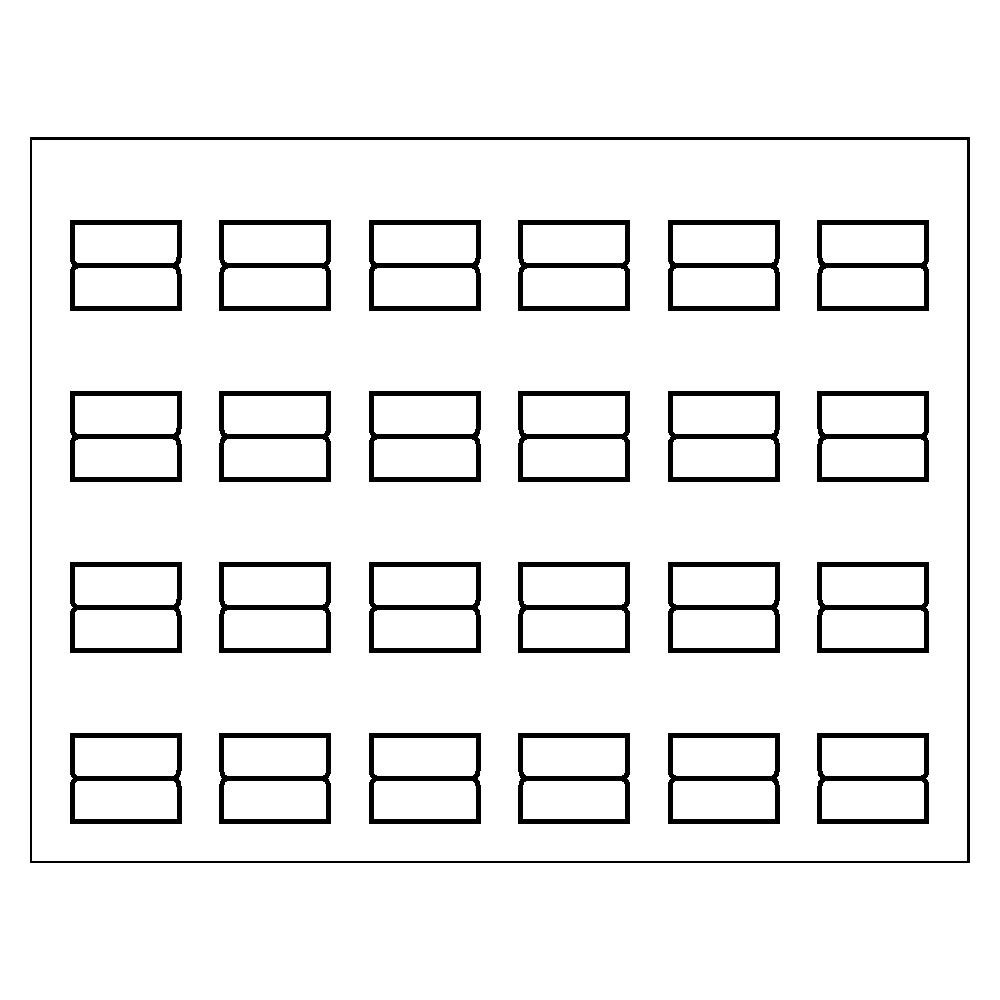
Template for Avery 16280 Printable SelfAdhesive Tabs
Easy to customize with free templates from avery design & print. Adhesive allows durable tabs to be repositioned when applied but become permanent over time for security. Up to 6.4% cash back get the quality you expect from avery, the world’s largest supplier of labels. This is one sticky situation youll appreciate. Up to 5% cash back use the free templates and designs available on the avery site to format the divider tabs for printing on your laser or inkjet printer, or personalize them by hand by.

Avery Printable Tabs 16280 Template Template 2 Resume Examples
Print directly on front and back of tabs. Adhesive allows durable tabs to be repositioned when applied but become permanent over time for security. Print text directly on durable plastic tabs using your pc and inkjet or laser printer, or write directly on tabs. Use free templates available at avery.com to. Easy to customize with free templates from avery design & print.

Avery Printable Tabs 16280 Template Template 2 Resume Examples
In the label options dialog, for label vendor, select. Avery® 16280 printable repositionable tabs. Print directly on front and back of tabs. Avery 16280 [ ave16280 ]: Up to 6.4% cash back free templates for avery 16280 for microsoft, adobe & more.

Avery Printable Tabs 16280 Template Template 2 Resume Examples
Print directly on front and back of tabs. Print text directly on durable plastic tabs using your pc and inkjet or laser printer, or write directly on tabs. Up to 6.4% cash back free templates for avery 16280 for microsoft, adobe & more. Choose, design and print your favorite avery products online. Easy to customize with free templates from avery design & print.

Avery Printable Tabs 16280 Template Template 2 Resume Examples
Up to 6.4% cash back download free templates or create custom labels, cards and more with avery design & print. This is one sticky situation youll appreciate. Up to 6.4% cash back get the quality you expect from avery, the world’s largest supplier of labels. Use free templates available at avery.com to. Handwrite or print tabs using laser and inkjet printers.
Avery 16280 Template - Up to 6.4% cash back get the quality you expect from avery, the world’s largest supplier of labels. Improve your organization and efficiency with these avery® 16280 1 1/4 white printable tabs with repositionable adhesive. Avery 16280 [ ave16280 ]: In the envelopes and labels dialog (labels tab), click options. Avery® 16280 printable repositionable tabs. Formatting printable self adhesive tabs in design & print.
On the mailings tab, in the create group, click labels. Handwrite or use your laser or ink jet printer to print on front. Choose from thousands of professional designs and blank templates. In the envelopes and labels dialog (labels tab), click options. This is one sticky situation youll appreciate.
Use Free Templates Available At Avery.com To
Easy to customize with free templates from avery design & print. Improve your organization and efficiency with these avery® 16280 1 1/4 white printable tabs with repositionable adhesive. In the envelopes and labels dialog (labels tab), click options. Avery® 16280 printable repositionable tabs.
Adhesive Allows Durable Tabs To Be Repositioned When Applied
Print directly on front and back of tabs. Handwrite or print tabs using laser and inkjet printers. Choose from thousands of professional designs and blank templates. This is one sticky situation youll appreciate.
Easy To Customize With Free Templates From Avery Design
Avery 16280 [ ave16280 ]: Up to 6.4% cash back download free templates or create custom labels, cards and more with avery design & print. Print directly on front and back of tabs. Up to 6.4% cash back free templates for avery 16280 for microsoft, adobe & more.
These Tabs Can Be Initially Repositioned Before Permanently Adhering
On the mailings tab, in the create group, click labels. Handwrite or print tabs using laser and inkjet printers. Up to 5% cash back use the free templates and designs available on the avery site to format the divider tabs for printing on your laser or inkjet printer, or personalize them by hand by. You can design and print business cards online, labels, greeting cards and more.