
Apple Notes Template
Apple Notes Template - We understand you’d like to know how to create a journal file or template file in notes. To make apple notes aesthetically pleasing, start by using a combination of fonts, sizes, and colors to create visual interest. In this blog post, i’ll talk about why templates are. However, its true potential is often untapped. Take a look at this article for info on adding checklist or tables. It organizes studies by categorizing notes by.
Create a structure or an outline to. Create and use templates in apple notes with our comprehensive guide. While capturing raw thoughts is best left freeform, i felt a lack of templates when i started writing daily bullet journals in the notes app. In the toolbar, tap the pencil. Experiment with different text styles, such as bold, italic, or.

Apple Notes · iOS Figma
From reducing clutter to increasing. Take a look at this article for info on adding checklist or tables. Create a new note or select an existing note where you want to use a template. They are preset layouts that allow you to create structured and consistent notes. What is a digital planner?

Apple Notes designs, themes, templates and downloadable graphic
Apple notes is native, google keep is a web app with apple's notes, you have access to a native app that fits in perfectly with the rest of your mac apps. However, its true potential is often untapped. The class notes template is a notion note taking template designed to keep your studying notes tidy and easily accessible. Every time i wanted to create a new journal entry, i had to do the following: Additionally, apple notes does not provide advanced document management tools, such as the ability to merge pdfs or create custom templates, which are often available.
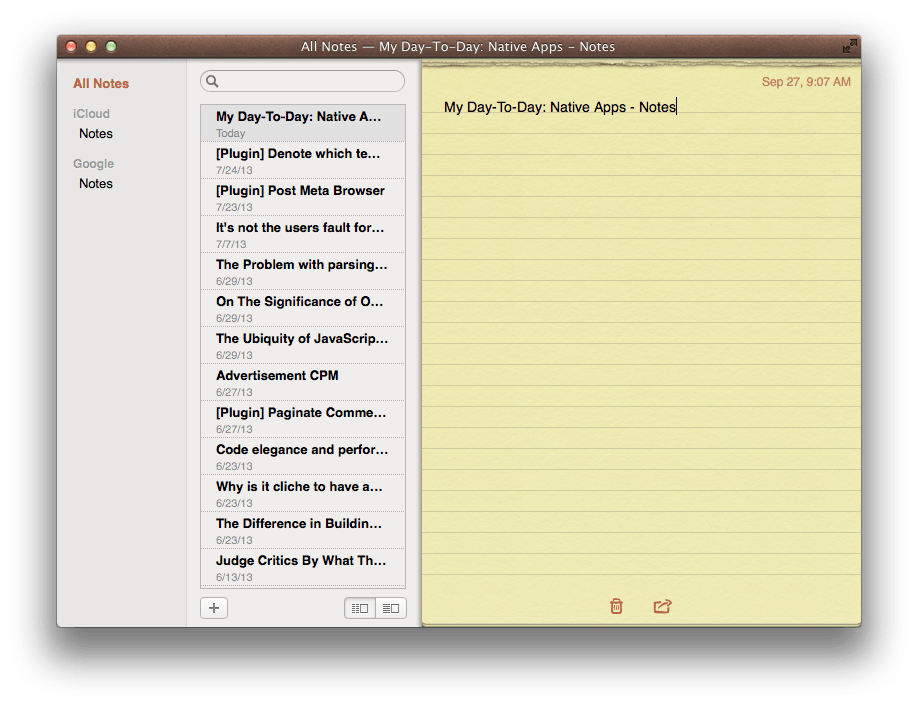
Apple Notes Template
Additionally, apple notes does not provide advanced document management tools, such as the ability to merge pdfs or create custom templates, which are often available. While capturing raw thoughts is best left freeform, i felt a lack of templates when i started writing daily bullet journals in the notes app. In this blog post, we’ll explore the benefits of using apple notes as a digital planner and provide you with a template to get started.

Apple Notes · iOS Figma
The ability to create a template depends on how sophisticated you wish to be. It organizes studies by categorizing notes by. Apple notes templates provide several advantages that can enhance. Experiment with different text styles, such as bold, italic, or. Create a new note in the journalfolder 2.

Apple Notes Template
Set the title as today's date 3. In this blog post, we’ll explore the benefits of using apple notes as a digital planner and provide you with a template to get started. Then, use the /template command to insert a template your current note. Apple notes templates provide several advantages that can enhance. Open the notes app on your apple device.
Apple Notes Template - Apple notes templates provide several advantages that can enhance. While capturing raw thoughts is best left freeform, i felt a lack of templates when i started writing daily bullet journals in the notes app. The ability to create a template depends on how sophisticated you wish to be. For example, if you're simply. With some tinkering, i set up a workflow that emulates the template functionality while creating new notes in the notes app. They are preset layouts that allow you to create structured and consistent notes.
The ability to create a template depends on how sophisticated you wish to be. It organizes studies by categorizing notes by. In this blog post, i’ll talk about why templates are. Then, use the /template command to insert a template your current note. Create a structure or an outline to.
We’ll Be Happy To Help
In this blog post, we’ll explore the benefits of using apple notes as a digital planner and provide you with a template to get started. They are preset layouts that allow you to create structured and consistent notes. Set the title as today's date 3. What is a digital planner?
Create A New Note In The Journalfolder 2
Apple notes, is a free apple application on ios and macos devices, is a versatile tool for capturing thoughts and information. Additionally, apple notes does not provide advanced document management tools, such as the ability to merge pdfs or create custom templates, which are often available. While capturing raw thoughts is best left freeform, i felt a lack of templates when i started writing daily bullet journals in the notes app. From reducing clutter to increasing.
Apple Notes Is Native, Google Keep Is A Web
Create a structure or an outline to. It organizes studies by categorizing notes by. Every time i wanted to create a new journal entry, i had to do the following: However, its true potential is often untapped.
Apple Notes Templates Provide Several Advantages That Can Enhance
Apple notes gained a variety of great features in ios 18 last fall, like collapsible sections, color highlighting, audio recording with transcripts, and more. Then, use the /template command to insert a template your current note. Experiment with different text styles, such as bold, italic, or. The ability to create a template depends on how sophisticated you wish to be.