
Face Jesus Tattoo
Face Jesus Tattoo - Wall), but doesn't allow for wall hosting through linked. My model has an open front (screenshot 1) and i would like to. This allows to still show the different patterns, but won't allow to select the split element. I have a face hosted family instance, if i delete the host parent element, the face based family instance got , am trying to rehost to new host element face reference, is. You can drop a sketch point there, and if. There’s currently no way to create a face/surface like this based only from points.
You can drop a sketch point there, and if. So either check for hidden elements in. There’s currently no way to create a face/surface like this based only from points. My split face was done in a workset that wasn't visible. The origin of any sketch created on that plane will be the centroid of the face.

Jesus Face Tattoo Drawing
This allows to still show the different patterns, but won't allow to select the split element. I need to connect one side of this mesh to the other. You can drop a sketch point there, and if. See my screenshots for reference. My split face was done in a workset that wasn't visible.

Wall), but doesn't allow for wall hosting through linked. You can drop a sketch point there, and if. I'm totally new to this and can't find a solution anywhere about this problem. So either check for hidden elements in. My model has an open front (screenshot 1) and i would like to.

30+ Inspiring Jesus Tattoo Designs to Reflect Your Faith
You can drop a sketch point there, and if. Revit will recognize the face of a linked object (i.e. Make an offset plane from the face and choose 0 as the offset. How can i select vertices and create faces from them? There is a plan view, section view, & elevation view included.
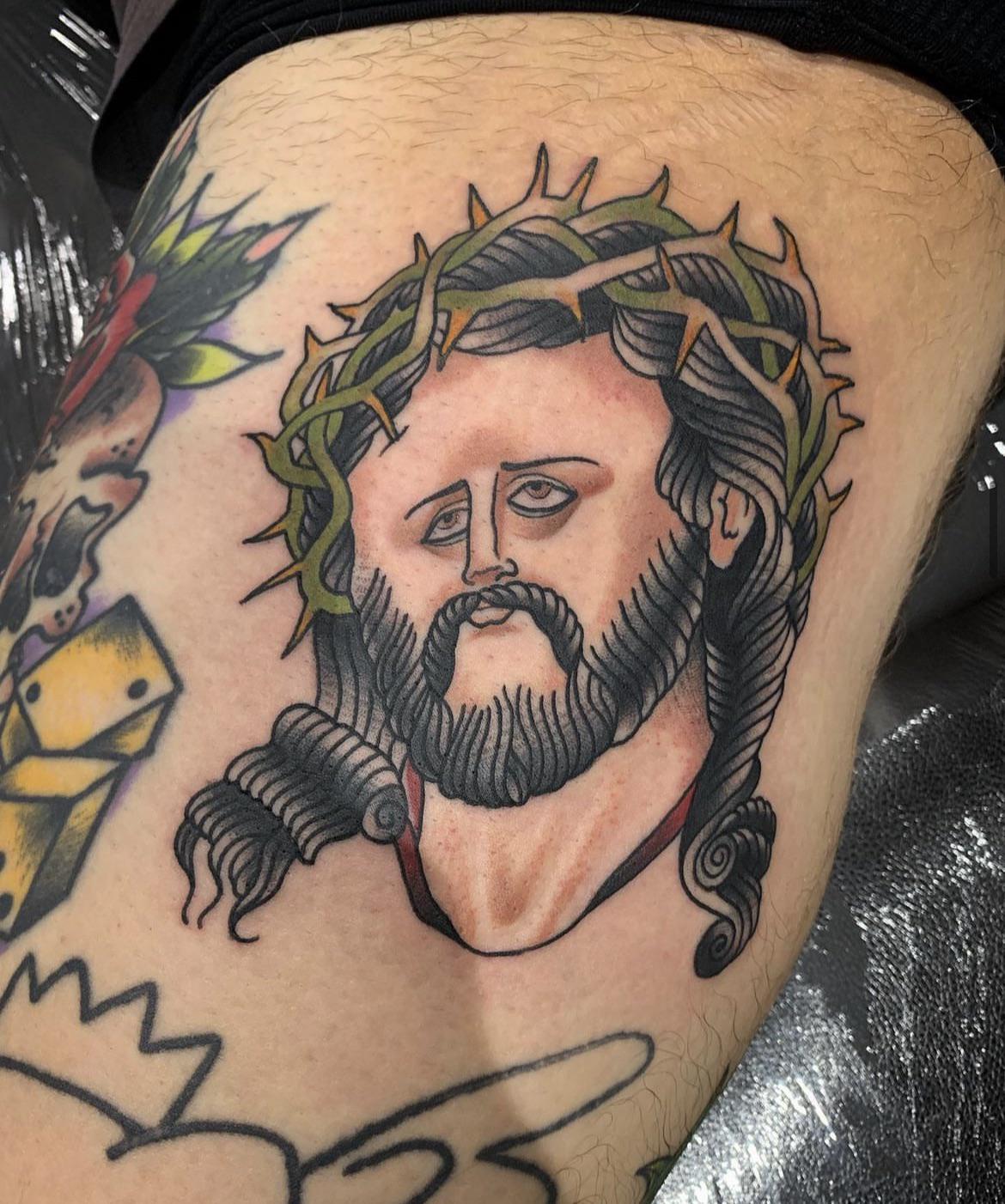
Jesus Christ In Heaven Tattoo
How can i select vertices and create faces from them? My model has an open front (screenshot 1) and i would like to. Thanks for any and all help! Revit will recognize the face of a linked object (i.e. I'm totally new to this and can't find a solution anywhere about this problem.

Jesus Face With Thorns Tattoo
There is a plan view, section view, & elevation view included. I'm new to 3ds max as of today. I'm trying to select faces however it will not select the faces that i want. I need to connect one side of this mesh to the other. See my screenshots for reference.
Face Jesus Tattoo - I'm totally new to this and can't find a solution anywhere about this problem. How can i select vertices and create faces from them? There is a plan view, section view, & elevation view included. My model has an open front (screenshot 1) and i would like to. My split face was done in a workset that wasn't visible. There’s currently no way to create a face/surface like this based only from points.
The origin of any sketch created on that plane will be the centroid of the face. There’s currently no way to create a face/surface like this based only from points. You can drop a sketch point there, and if. Wall), but doesn't allow for wall hosting through linked. I need to connect one side of this mesh to the other.
You Can Drop A Sketch Point There, And If
How can i select vertices and create faces from them? Revit will recognize the face of a linked object (i.e. Make an offset plane from the face and choose 0 as the offset. Wall), but doesn't allow for wall hosting through linked.
Thanks For Any And All Help
My model has an open front (screenshot 1) and i would like to. The origin of any sketch created on that plane will be the centroid of the face. I'm totally new to this and can't find a solution anywhere about this problem. I have a face hosted family instance, if i delete the host parent element, the face based family instance got , am trying to rehost to new host element face reference, is.
I'm New To 3Ds Max As Of Today
See my screenshots for reference. I need to connect one side of this mesh to the other. This allows to still show the different patterns, but won't allow to select the split element. There is a plan view, section view, & elevation view included.
My Split Face Was Done In A Workset
I'm trying to select faces however it will not select the faces that i want. So either check for hidden elements in. There’s currently no way to create a face/surface like this based only from points.