
Tablet Drawing Software
Tablet Drawing Software - Onenote is your digital notebook for capturing and organizing everything across your devices. How to use tablet experience in windows 11. Kindle books you have bought on amazon will automatically appear in your app. Tablet mode in windows makes the interface more touch‑friendly on devices with touch‑capable screens, such as tablets and 2‑in‑1 pcs. It optimizes the layout for touch input by making buttons. Play games from your console straight to your pc, phone or tablet over the internet with xbox remote play.
Tablet mode in windows makes the interface more touch‑friendly on devices with touch‑capable screens, such as tablets and 2‑in‑1 pcs. Go to settings> personalization> taskbar> expand taskbar behaviors and then select to enable optimize taskbar for touch interactions when. Shop for xbox console & xbox pc games from the xbox mobile app. Onenote is your digital notebook for capturing and organizing everything across your devices. Extra features on your android tablet and phone with microsoft 365 core editing is available for free on android devices with screen sizes of 10.1 inches or less.

8 Best Portable Drawing Tablets for Beginner and Professional
Stream xbox games via cloud gaming on your mobile phone & tablet—progress goes with you across devices. Onenote is your digital notebook for capturing and organizing everything across your devices. Go to settings> personalization> taskbar> expand taskbar behaviors and then select to enable optimize taskbar for touch interactions when. Tablet mode in windows makes the interface more touch‑friendly on devices with touch‑capable screens, such as tablets and 2‑in‑1 pcs.

One 12 Drawing Tablet with Screen, 11.6" HD Full
Go to settings> personalization> taskbar> expand taskbar behaviors and then select to enable optimize taskbar for touch interactions when. It optimizes the layout for touch input by making buttons. Kindle books you have bought on amazon will automatically appear in your app. Stream xbox games via cloud gaming on your mobile phone & tablet—progress goes with you across devices. Tablet mode in windows makes the interface more touch‑friendly on devices with touch‑capable screens, such as tablets and 2‑in‑1 pcs.
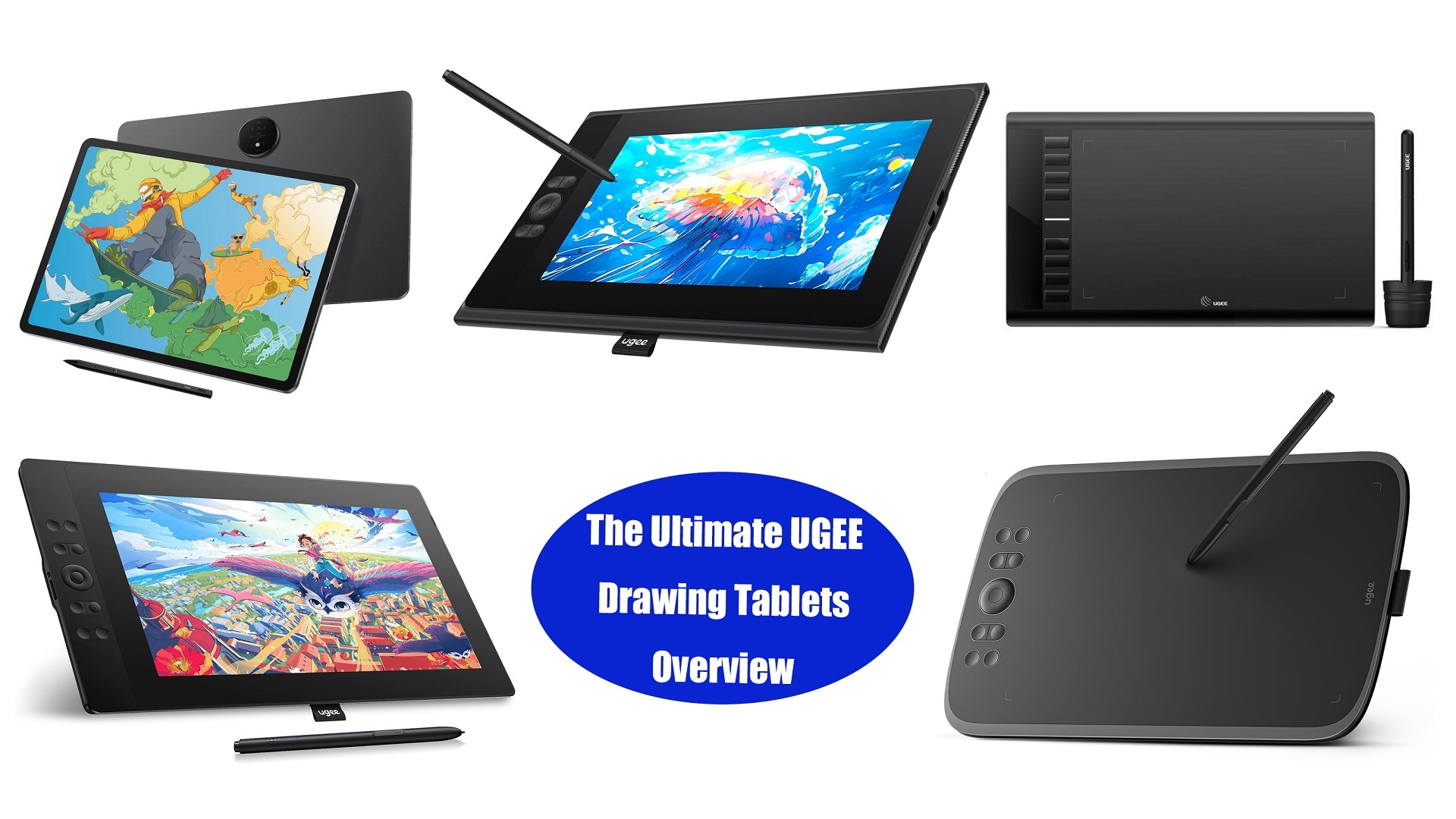
The Ultimate UGEE Drawing Tablets Overview of 2025
Tablet mode in windows makes the interface more touch‑friendly on devices with touch‑capable screens, such as tablets and 2‑in‑1 pcs. Onenote is your digital notebook for capturing and organizing everything across your devices. Extra features on your android tablet and phone with microsoft 365 core editing is available for free on android devices with screen sizes of 10.1 inches or less.

jopatwork Blog
Extra features on your android tablet and phone with microsoft 365 core editing is available for free on android devices with screen sizes of 10.1 inches or less. Onenote is your digital notebook for capturing and organizing everything across your devices. Play games from your console straight to your pc, phone or tablet over the internet with xbox remote play.

10 essential sketchbook warmup exercises to get
Go to settings> personalization> taskbar> expand taskbar behaviors and then select to enable optimize taskbar for touch interactions when. Shop for xbox console & xbox pc games from the xbox mobile app. Extra features on your android tablet and phone with microsoft 365 core editing is available for free on android devices with screen sizes of 10.1 inches or less.
Tablet Drawing Software - Play games from your console straight to your pc, phone or tablet over the internet with xbox remote play. How to use tablet experience in windows 11. Stream xbox games via cloud gaming on your mobile phone & tablet—progress goes with you across devices. Turn your pc into a book with the free kindle app—so you can. Onenote is your digital notebook for capturing and organizing everything across your devices. Tablet mode in windows makes the interface more touch‑friendly on devices with touch‑capable screens, such as tablets and 2‑in‑1 pcs.
Go to settings> personalization> taskbar> expand taskbar behaviors and then select to enable optimize taskbar for touch interactions when. How to use tablet experience in windows 11. It optimizes the layout for touch input by making buttons. Extra features on your android tablet and phone with microsoft 365 core editing is available for free on android devices with screen sizes of 10.1 inches or less. Stream xbox games via cloud gaming on your mobile phone & tablet—progress goes with you across devices.
Onenote Is Your Digital Notebook For Capturing And Organizing
Kindle books you have bought on amazon will automatically appear in your app. Shop for xbox console & xbox pc games from the xbox mobile app. Turn your pc into a book with the free kindle app—so you can. Stream xbox games via cloud gaming on your mobile phone & tablet—progress goes with you across devices.
Go To Settings> Personalization> Taskbar> Expand Taskbar Behaviors
Play games from your console straight to your pc, phone or tablet over the internet with xbox remote play. Extra features on your android tablet and phone with microsoft 365 core editing is available for free on android devices with screen sizes of 10.1 inches or less. How to use tablet experience in windows 11. In windows 11, tablet behavior turns on automatically when the device thinks it is being used as a tablet, usually when the keyboard is detached, folded back, or the device is in tent mode.
Tablet Mode In Windows Makes The Interface More Touch‑Friendly
It optimizes the layout for touch input by making buttons.