
How To Remove Drawer Slides
How To Remove Drawer Slides - With photoroom’s ai retouch, you can remove unwanted objects in seconds. Use pixelcut's magic eraser to remove unwanted objects from your photo. Instantly remove image backgrounds with our ai tool. Remove the background of your jpg and png images with exceptional quality. Change your image background in seconds. Remove image backgrounds automatically in 5 seconds with just one click.
Remove image backgrounds online with our powerful background removal tool. Use pixelcut's magic eraser to remove unwanted objects from your photo. Remove backgrounds from product photos to create clean images that highlight your products. Fast, free, and no signup required. Our background remover is designed to handle large volumes of photos, showcasing your items in the.
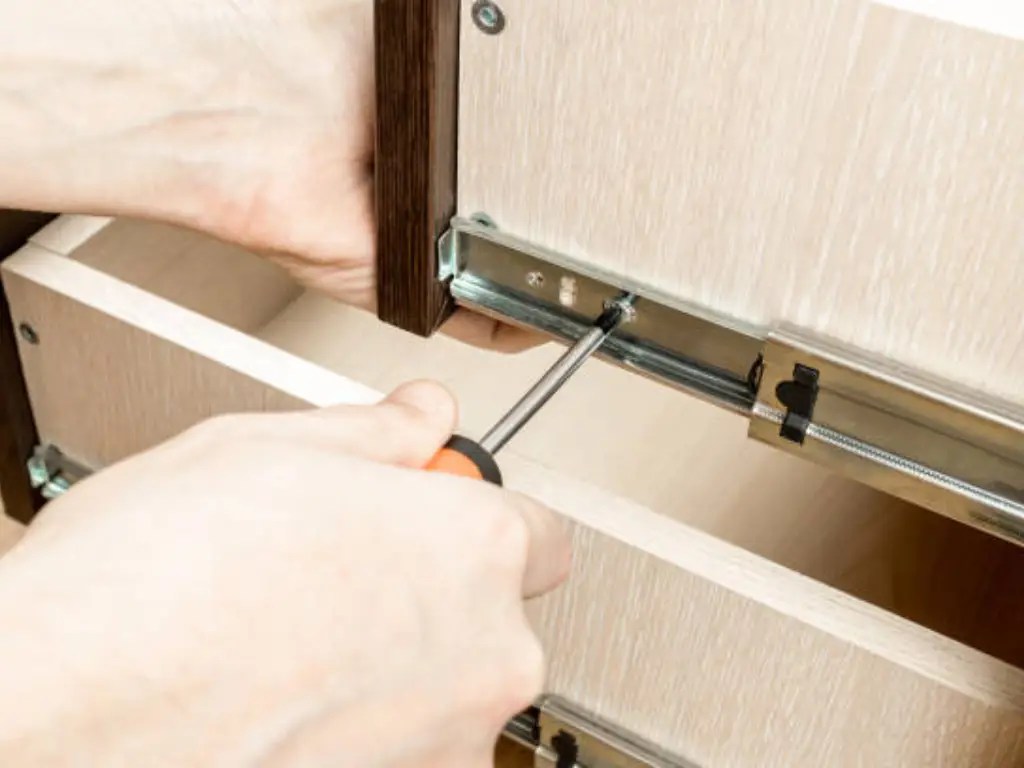
How to Remove Drawer Slides A StepbyStep Guide Maxave
Don't spend hours manually picking pixels. Fast, free, and no signup required. Change your image background in seconds. Use pixelcut's magic eraser to remove unwanted objects from your photo. Try our free online tool here.

How to Remove a Drawer with Bottom Slides, Undermount
Want to erase a distracting item from your image? Upload your photo now & see the magic. Don't spend hours manually picking pixels. Perfect for product photos, portraits, and social media posts, it delivers clean, professional results in seconds. Instantly remove image backgrounds with our ai tool.

Side Glide Drawer Removal How to remove, Drawers, Drawer
Perfect for product photos, portraits, and social media posts, it delivers clean, professional results in seconds. Our background remover is designed to handle large volumes of photos, showcasing your items in the. Change your image background in seconds. Remove image backgrounds online with our powerful background removal tool. Instantly remove image backgrounds with our ai tool.
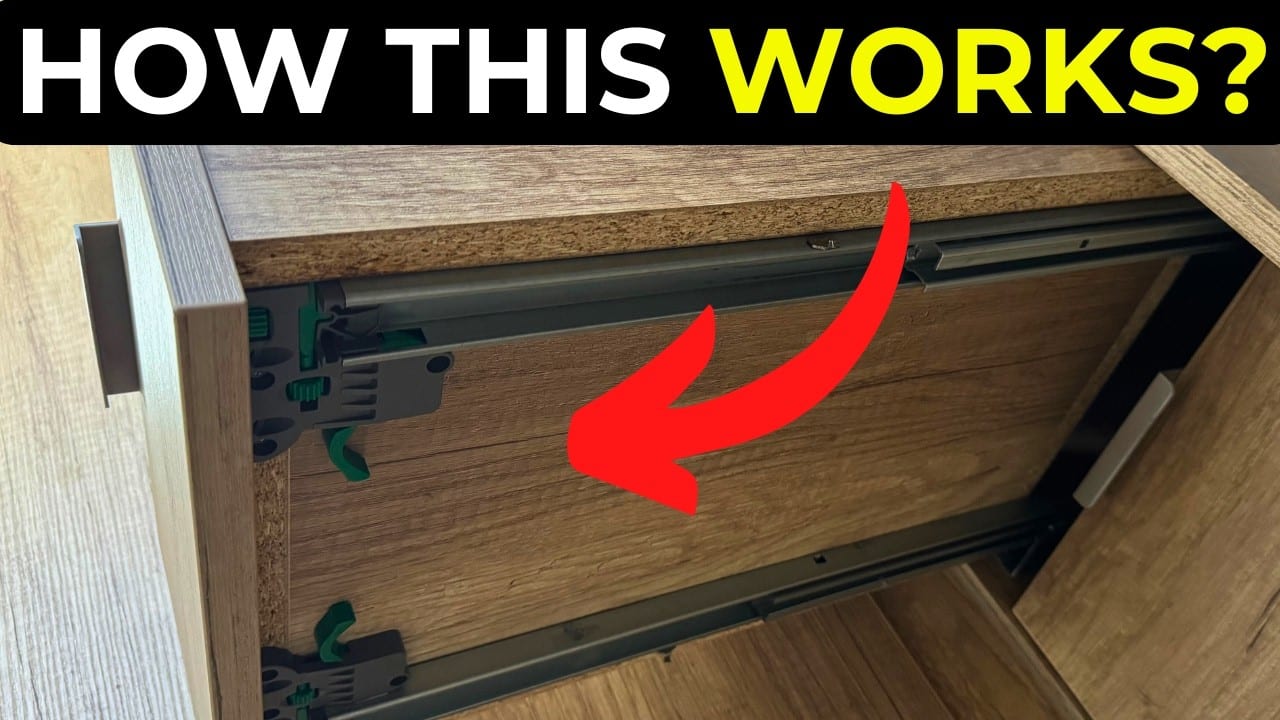
How to Replace Kitchen Drawer Slides Easy Steps
Remove backgrounds from product photos to create clean images that highlight your products. Use pixelcut's magic eraser to remove unwanted objects from your photo. Remove image backgrounds online with our powerful background removal tool. Fast, free, and no signup required. With photoroom’s ai retouch, you can remove unwanted objects in seconds.
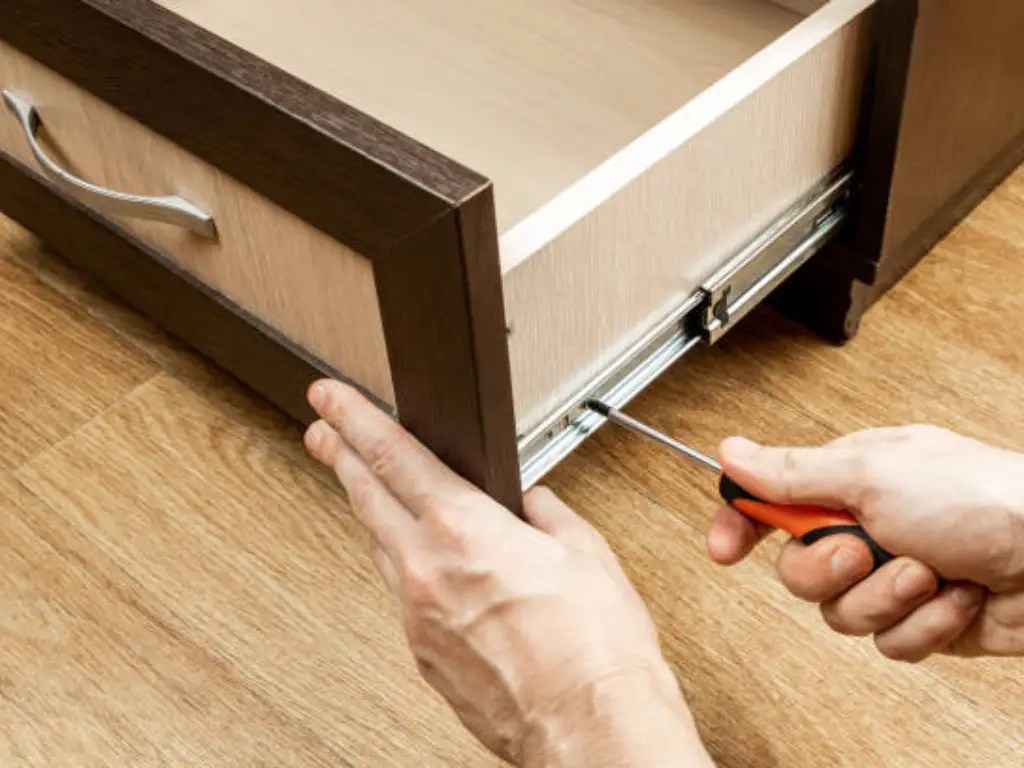
How to Remove Drawer Slides
Upload a jpeg, png, or webp and download a clean transparent png instantly. With photoroom’s ai retouch, you can remove unwanted objects in seconds. Fast, free, and no signup required. Remove backgrounds from product photos to create clean images that highlight your products. Try our free online tool here.
How To Remove Drawer Slides - Remove backgrounds from product photos to create clean images that highlight your products. Upload a jpeg, png, or webp and download a clean transparent png instantly. Remove image backgrounds online with our powerful background removal tool. Want to erase a distracting item from your image? With photoroom’s ai retouch, you can remove unwanted objects in seconds. Don't spend hours manually picking pixels.
Remove backgrounds from product photos to create clean images that highlight your products. Our background remover is designed to handle large volumes of photos, showcasing your items in the. Change your image background in seconds. Try our free online tool here. Instantly remove image backgrounds with our ai tool.
Our Background Remover Is Designed To Handle Large Volumes
Remove image backgrounds automatically in 5 seconds with just one click. Remove backgrounds from product photos to create clean images that highlight your products. Fast, free, and no signup required. Remove the background of your jpg and png images with exceptional quality.
Perfect For Product Photos, Portraits, And Social Media Posts,
Try our free online tool here. Remove image backgrounds online with our powerful background removal tool. Save time editing with this ai. Upload a jpeg, png, or webp and download a clean transparent png instantly.
Instantly Remove Image Backgrounds With Our Ai Tool
Want to erase a distracting item from your image? Don't spend hours manually picking pixels. With photoroom’s ai retouch, you can remove unwanted objects in seconds. Use pixelcut's magic eraser to remove unwanted objects from your photo.
Upload Your Photo Now & See The Magic
Change your image background in seconds.