
How To Draw On Google Docs
How To Draw On Google Docs - In this video, i will show you how to use drawing and annotation tools in google docs to add custom visuals or feedback to your documents. The following video demonstrates how to use the. Click and drag on the canvas to draw your shape. At the top of the page, find and click shape. From basic shapes to custom designs, unleash your creativity with ease! We can draw in google docs in 2 easy and simple methods.
From basic shapes to custom designs, unleash your creativity with ease! Want to add shapes, sketches, or annotations to your document? Drawing in google docs can be incredibly useful for enhancing communication and adding creative touches to your document. At the top of the page, find and click shape. The following video demonstrates how to use the.

How to create an illustration in Google Docs
At the top of the page, find and click shape. In this video, i will show you how to use drawing and annotation tools in google docs to add custom visuals or feedback to your documents. Want to add shapes, sketches, or annotations to your document? The following video demonstrates how to use the. We can draw in google docs in 2 easy and simple methods.

How to Draw in Google Docs
At the top of the page, find and click shape. We can draw in google docs in 2 easy and simple methods. The following video demonstrates how to use the. From basic shapes to custom designs, unleash your creativity with ease! Drawing in google docs can be incredibly useful for enhancing communication and adding creative touches to your document.
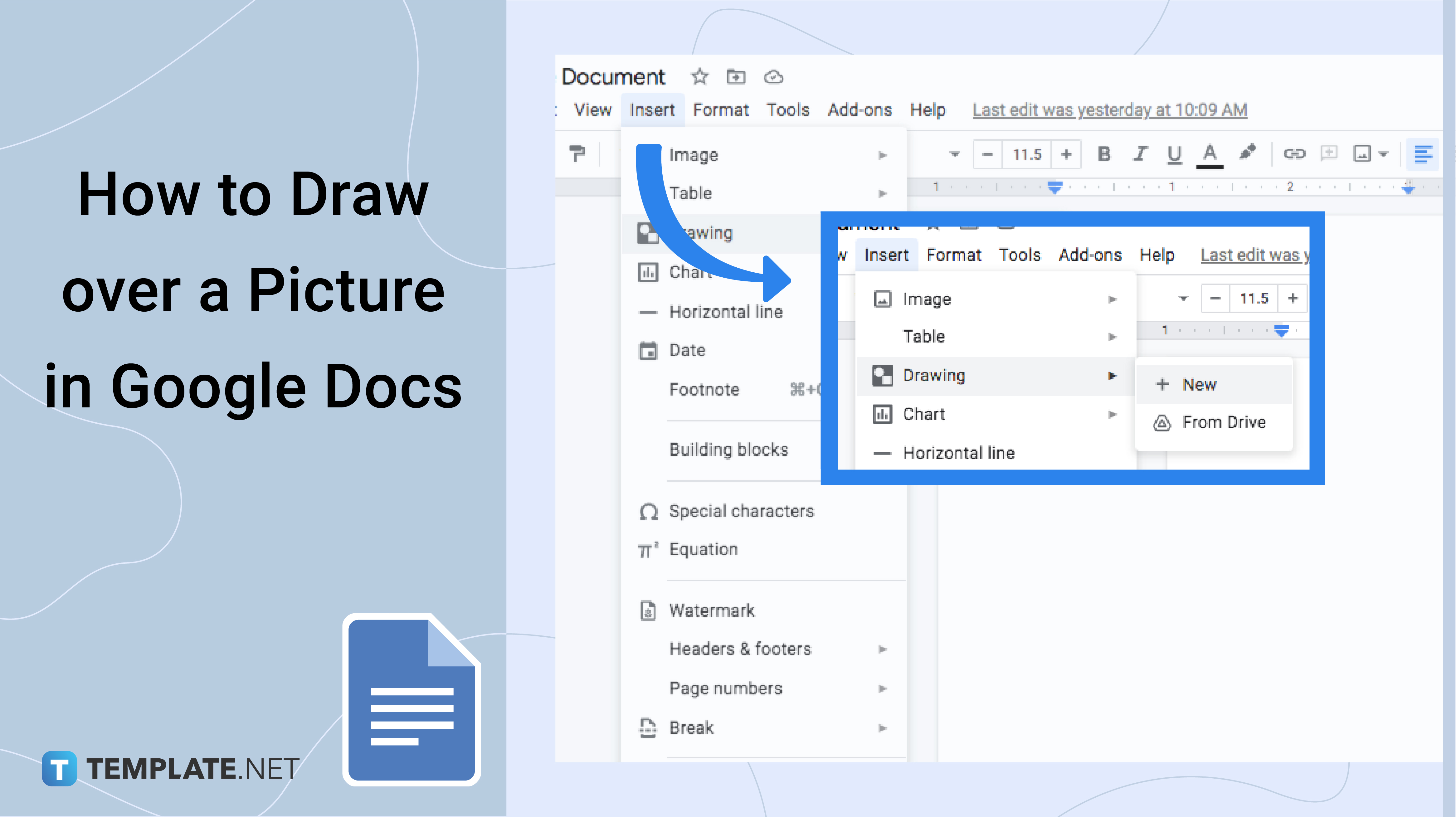
How To Draw A Picture In Google Docs
We can draw in google docs in 2 easy and simple methods. Choose the shape you want to use. Click and drag on the canvas to draw your shape. At the top of the page, find and click shape. Want to add shapes, sketches, or annotations to your document?

How To Draw On Google Docs
Drawing in google docs can be incredibly useful for enhancing communication and adding creative touches to your document. From basic shapes to custom designs, unleash your creativity with ease! The following video demonstrates how to use the. Click and drag on the canvas to draw your shape. Want to add shapes, sketches, or annotations to your document?

How to Draw on Google Docs
We can draw in google docs in 2 easy and simple methods. Select which tool you'd like to use, and then click and drag your cursor across the drawing board to create your shape or image. The following video demonstrates how to use the. From basic shapes to custom designs, unleash your creativity with ease! Want to add shapes, sketches, or annotations to your document?
How To Draw On Google Docs - Drawing in google docs can be incredibly useful for enhancing communication and adding creative touches to your document. Select which tool you'd like to use, and then click and drag your cursor across the drawing board to create your shape or image. Click and drag on the canvas to draw your shape. At the top of the page, find and click shape. We can draw in google docs in 2 easy and simple methods. Want to add shapes, sketches, or annotations to your document?
In this video, i will show you how to use drawing and annotation tools in google docs to add custom visuals or feedback to your documents. The following video demonstrates how to use the. Drawing in google docs can be incredibly useful for enhancing communication and adding creative touches to your document. From basic shapes to custom designs, unleash your creativity with ease! Want to add shapes, sketches, or annotations to your document?
Drawing In Google Docs Can Be Incredibly Useful
Choose the shape you want to use. In this video, i will show you how to use drawing and annotation tools in google docs to add custom visuals or feedback to your documents. The following video demonstrates how to use the. At the top of the page, find and click shape.
Want To Add Shapes, Sketches, Or Annotations
We can draw in google docs in 2 easy and simple methods. Select which tool you'd like to use, and then click and drag your cursor across the drawing board to create your shape or image. Click and drag on the canvas to draw your shape. From basic shapes to custom designs, unleash your creativity with ease!