
Circuit Board Drawing
Circuit Board Drawing - Animations of voltages, currents, and charges are displayed right on top of schematic, providing great insight into circuit operation. Place and wire electronic components (even a lemon) to create a virtual circuit from scratch, or use our starter circuits to explore and try things out. A red color indicates negative voltage. Then, use connection options to build circuits, measurement options to take measurements, and edit options to adjust component specifications. The gray color indicates ground. Circuit diagram is a free application for making electronic circuit diagrams and exporting them as images.
Then, use connection options to build circuits, measurement options to take measurements, and edit options to adjust component specifications. The green color indicates positive voltage. Design circuits online in your browser or using the desktop application. When the applet starts up you will see an animated schematic of a simple lrc circuit. These tools allow students, hobbyists, and professional engineers to design and analyze analog and digital.

Then, use connection options to build circuits, measurement options to take measurements, and edit options to adjust component specifications. Circuit diagram is a free application for making electronic circuit diagrams and exporting them as images. When the applet starts up you will see an animated schematic of a simple lrc circuit. These tools allow students, hobbyists, and professional engineers to design and analyze analog and digital.

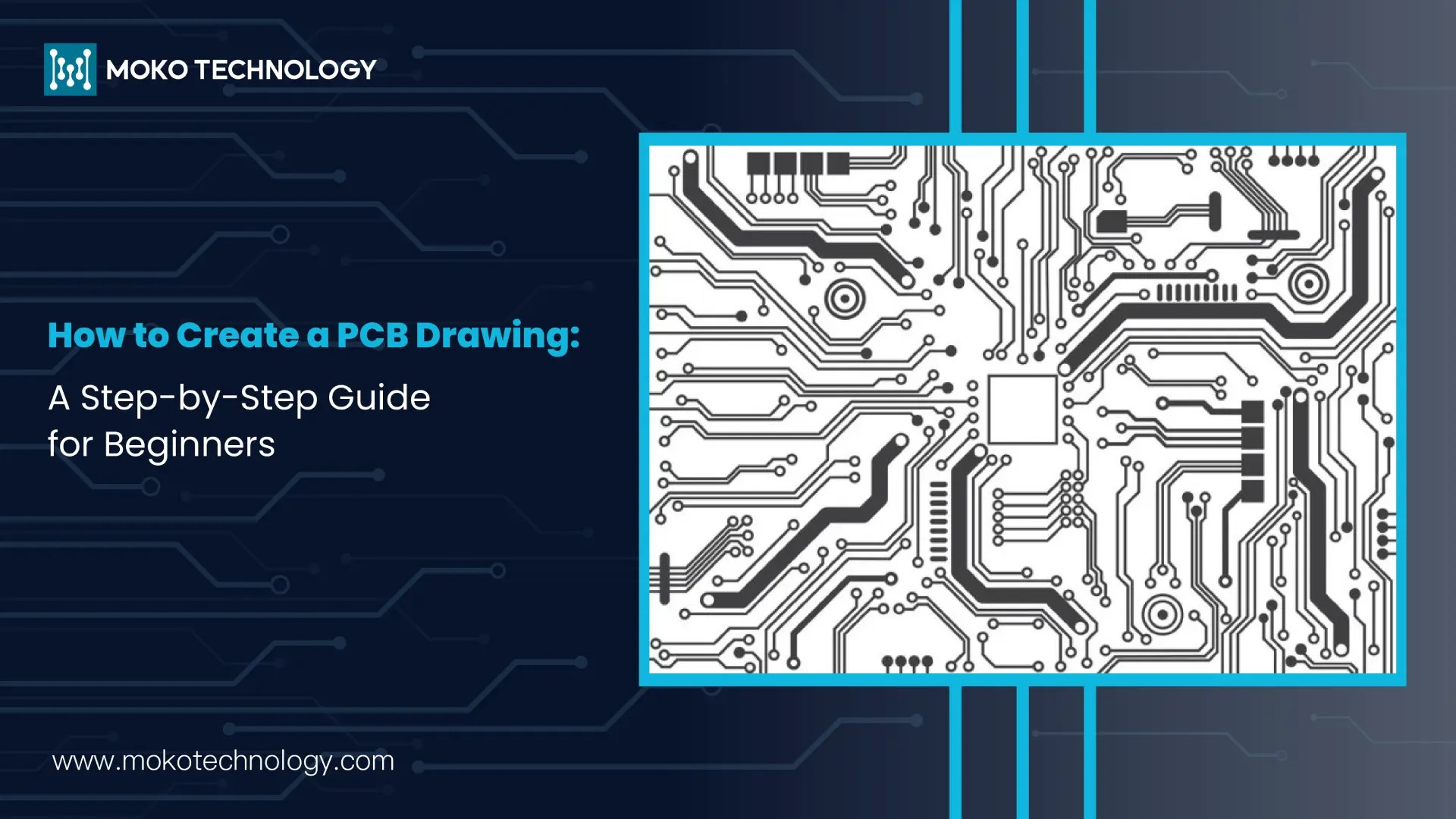
Circuit board with chip drawing close up stylized vector
An electronic circuit is composed of individual electronic components, such as resistors, transistors, capacitors, inductors and diodes, connected by conductive wires or traces through which electric. When the applet starts up you will see an animated schematic of a simple lrc circuit. A red color indicates negative voltage. Design circuits online in your browser or using the desktop application. These tools allow students, hobbyists, and professional engineers to design and analyze analog and digital.
Place and wire electronic components (even a lemon) to create a virtual circuit from scratch, or use our starter circuits to explore and try things out. Circuit diagram is a free application for making electronic circuit diagrams and exporting them as images. The green color indicates positive voltage. Animations of voltages, currents, and charges are displayed right on top of schematic, providing great insight into circuit operation.

Simple Circuit Board Drawing
The green color indicates positive voltage. One animated circuit is worth a thousand equations and diagrams. Design circuits online in your browser or using the desktop application. When the applet starts up you will see an animated schematic of a simple lrc circuit. Animations of voltages, currents, and charges are displayed right on top of schematic, providing great insight into circuit operation.

Circuit Board Drawing at GetDrawings Free download
Add circuit components and sensors as needed. Then, use connection options to build circuits, measurement options to take measurements, and edit options to adjust component specifications. These tools allow students, hobbyists, and professional engineers to design and analyze analog and digital. An electronic circuit is composed of individual electronic components, such as resistors, transistors, capacitors, inductors and diodes, connected by conductive wires or traces through which electric.
Circuit Board Drawing - The green color indicates positive voltage. These tools allow students, hobbyists, and professional engineers to design and analyze analog and digital. When the applet starts up you will see an animated schematic of a simple lrc circuit. An electronic circuit is composed of individual electronic components, such as resistors, transistors, capacitors, inductors and diodes, connected by conductive wires or traces through which electric. A red color indicates negative voltage. Animations of voltages, currents, and charges are displayed right on top of schematic, providing great insight into circuit operation.
Add circuit components and sensors as needed. An electronic circuit is composed of individual electronic components, such as resistors, transistors, capacitors, inductors and diodes, connected by conductive wires or traces through which electric. The gray color indicates ground. Determine if everyday objects are conductors or insulators, and take measurements with an ammeter and. Then, use connection options to build circuits, measurement options to take measurements, and edit options to adjust component specifications.
Then, Use Connection Options To Build Circuits, Measurement Options
Design circuits online in your browser or using the desktop application. A red color indicates negative voltage. When the applet starts up you will see an animated schematic of a simple lrc circuit. The gray color indicates ground.
Circuit Diagram Is A Free Application For Making Electronic
Animations of voltages, currents, and charges are displayed right on top of schematic, providing great insight into circuit operation. Place and wire electronic components (even a lemon) to create a virtual circuit from scratch, or use our starter circuits to explore and try things out. One animated circuit is worth a thousand equations and diagrams. Add circuit components and sensors as needed.
Determine If Everyday Objects Are Conductors Or Insulators,
The green color indicates positive voltage. An electronic circuit is composed of individual electronic components, such as resistors, transistors, capacitors, inductors and diodes, connected by conductive wires or traces through which electric. These tools allow students, hobbyists, and professional engineers to design and analyze analog and digital.